

Walkthroughs and focused answers
Game walkthroughs and guides for the problem in front of you.
Open a specific answer for a boss, build, code, material, platform, first-session route, progression blocker, or recovery step. Use the game hub when you need the full map.
- Walk through
- first sessions, bosses, raids, and recovery routes
- Choose
- characters, builds, platforms, upgrades, and roles
- Resolve
- codes, materials, progression blockers, and failed runs
Go-Go Town!
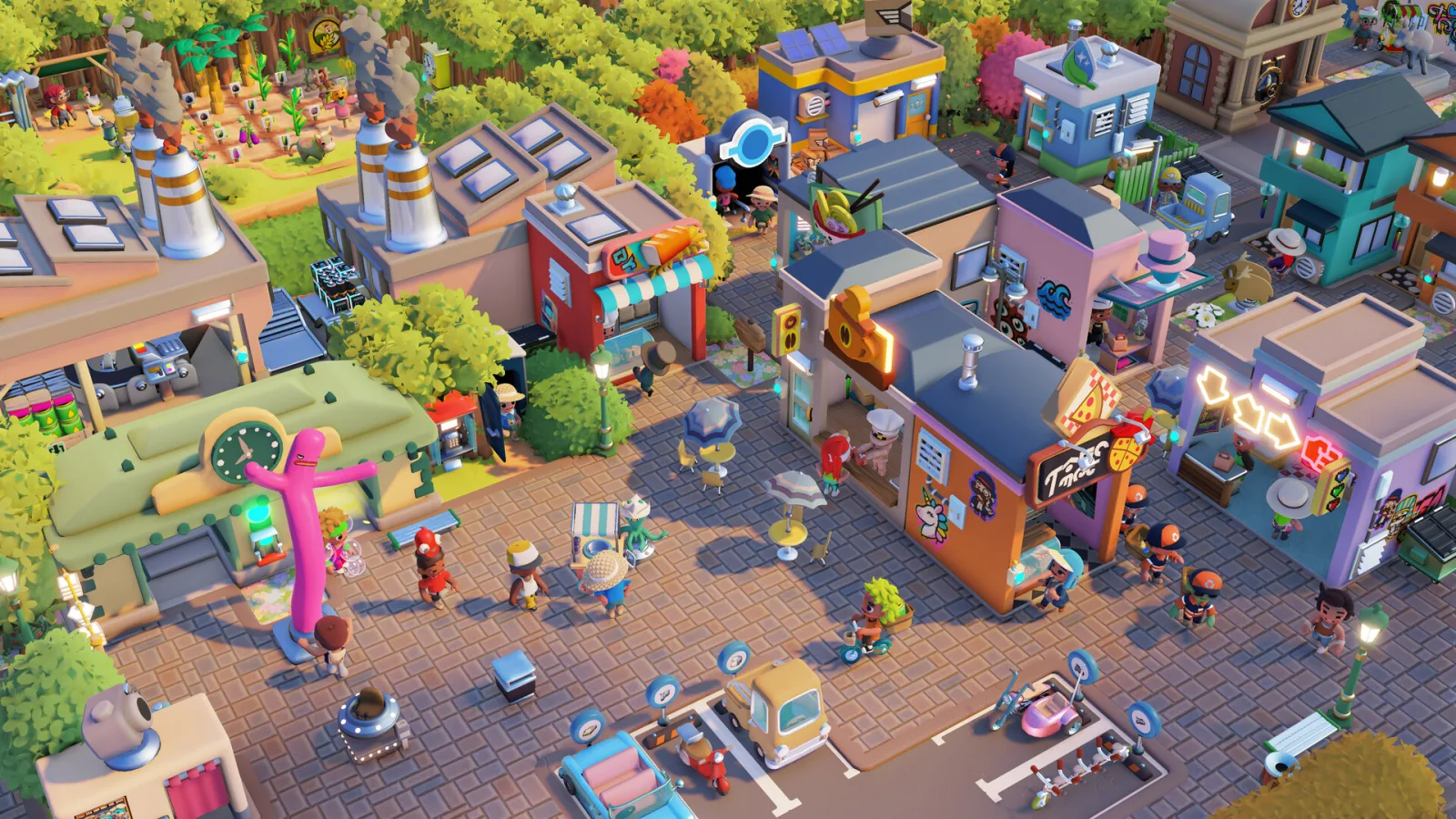
Go-Go Town is a hands-on mayor game about streets, workers, shops, logistics, and the cheerful mess that appears when all four systems grow at once.
Open game hub →Go-Go Town Systems, Controls & 1.0 Route
Use Go-Go Town PC and controller controls, phone requirements, EGO and Rank checks, Courier routes, co-op limits, Creative Mode, and legacy-save checks before rebuilding.
Go-Go Town Expansion & Legacy Save Check
Decide when a Go-Go Town district is ready to expand, protect the first supply loop, recover a stretched Courier or worker route, and check an Early Access save after 1.0.
Go-Go Town Courier & Bottleneck Finder
Find out how Go-Go Town Couriers work, fix idle deliveries and empty shops, and trace Townie, Resource Zone, maintenance, and expansion bottlenecks.
Go-Go Town Tourist Desires & Town Rank Planner
Choose a Go-Go Town visitor desire or Town Rank challenge, then see the smallest useful town response, proof signal, and route risk before expanding.
Go-Go Town Fishing Automation Reference
Compare Crab and Lobster Pots, the Fishing Zone Time Clock, Rice Paddy, and Seafood Converter by route job, tier, proof signal, and recovery risk.
The Mound: Omen of Cthulhu
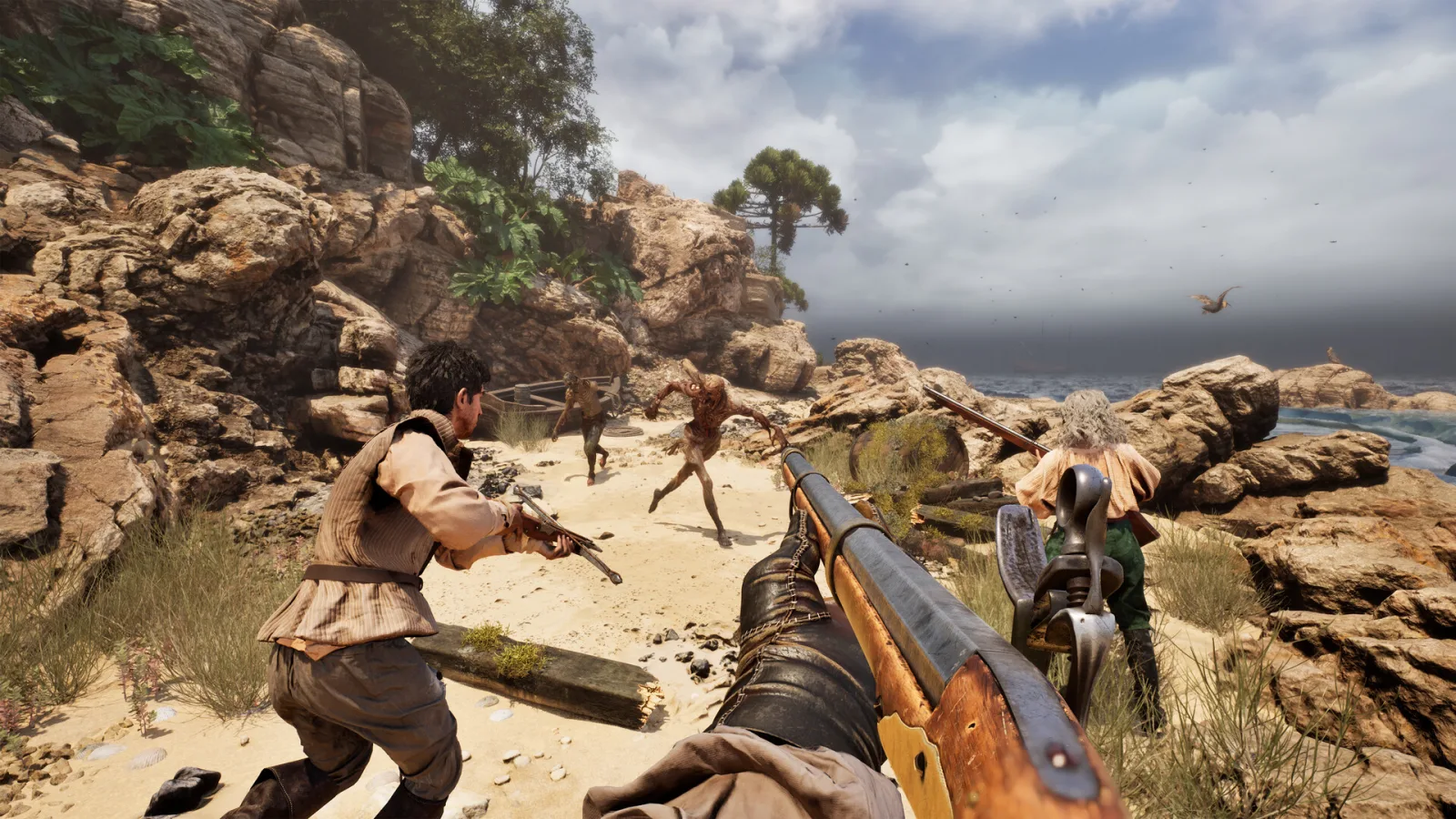
The Mound is a solo or four-player expedition horror game where the jungle, its creatures, and reality distortion make communication part of survival.
Open game hub →The Mound Items, Saints & Threats Database
Choose the focused The Mound database for items, Patron Saints, or threats, then return to the contract loadout with the right field response.
The Mound Contracts & Expedition Loadouts
Match The Mound Captain Contracts with crew jobs, six-slot loadouts, rain-safe weapon coverage, Ox-wagon return planning, and retreat triggers.
The Mound Items & Gear Database
Search the published visual item set by category, price, effect, and route job, then decide what earns one of the six personal inventory slots.
The Mound Patron Saints Database
Browse all nine The Mound Patron Saints with icons and match each blessing to the failure it is meant to cover before the expedition.
The Mound Threats & Field Responses
Search The Mound threats by behavior, HP reference, and response, then choose fight, avoid, regroup, recover, or verify before the route breaks.
The Mound Weapons Database
Search 51 The Mound weapons by family, damage, reach, durability, rank, cost, weather lane, and Anvil path, then choose one controlled upgrade or route test.
Halo: Campaign Evolved
Choose a mission in the Skull or Terminal database, then open the changes database for rebuilt campaign, sandbox, and co-op details.
Open game hub →Halo Campaign Evolved Changes & Co-op Guide
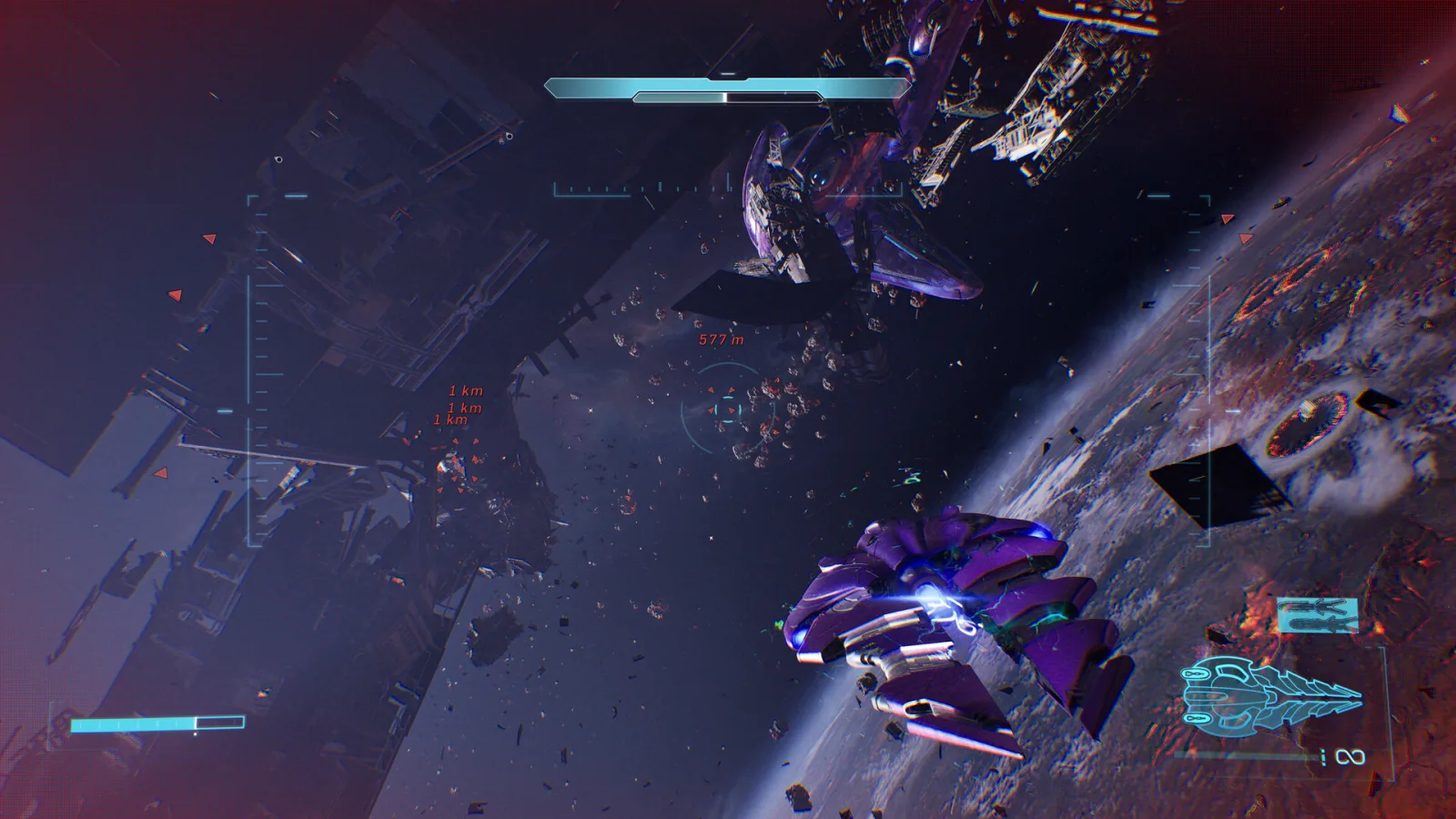
Search Halo Campaign Evolved changes, Operation: Meteorite, added weapons, vehicles, four-player co-op, crossplay, Skulls, and in-game checks.
Halo Campaign Evolved Mission Recovery Guide
Recover a Halo Campaign Evolved mission when an old route fails, co-op state drifts, or collectible progress is unclear. Use a short reset before another long attempt.
Halo Campaign Evolved Skull Locations Database
Choose one of 13 Halo Campaign Evolved missions to see its three Skull locations, effects, landmarks, route conditions, and Campaign Remix unlocks.
Halo Campaign Evolved Terminal Locations Database
Choose a Halo Campaign Evolved mission to see its Terminal name, mission phase, landmark, direct collection route, and linked Skull locations.
Halo Campaign Evolved Launch & Co-op Checklist
Check Halo Campaign Evolved build, crossplay, party, host, shared progression, first-mission, reconnect, split-screen, and Skull behavior.
Mistfall Hunter
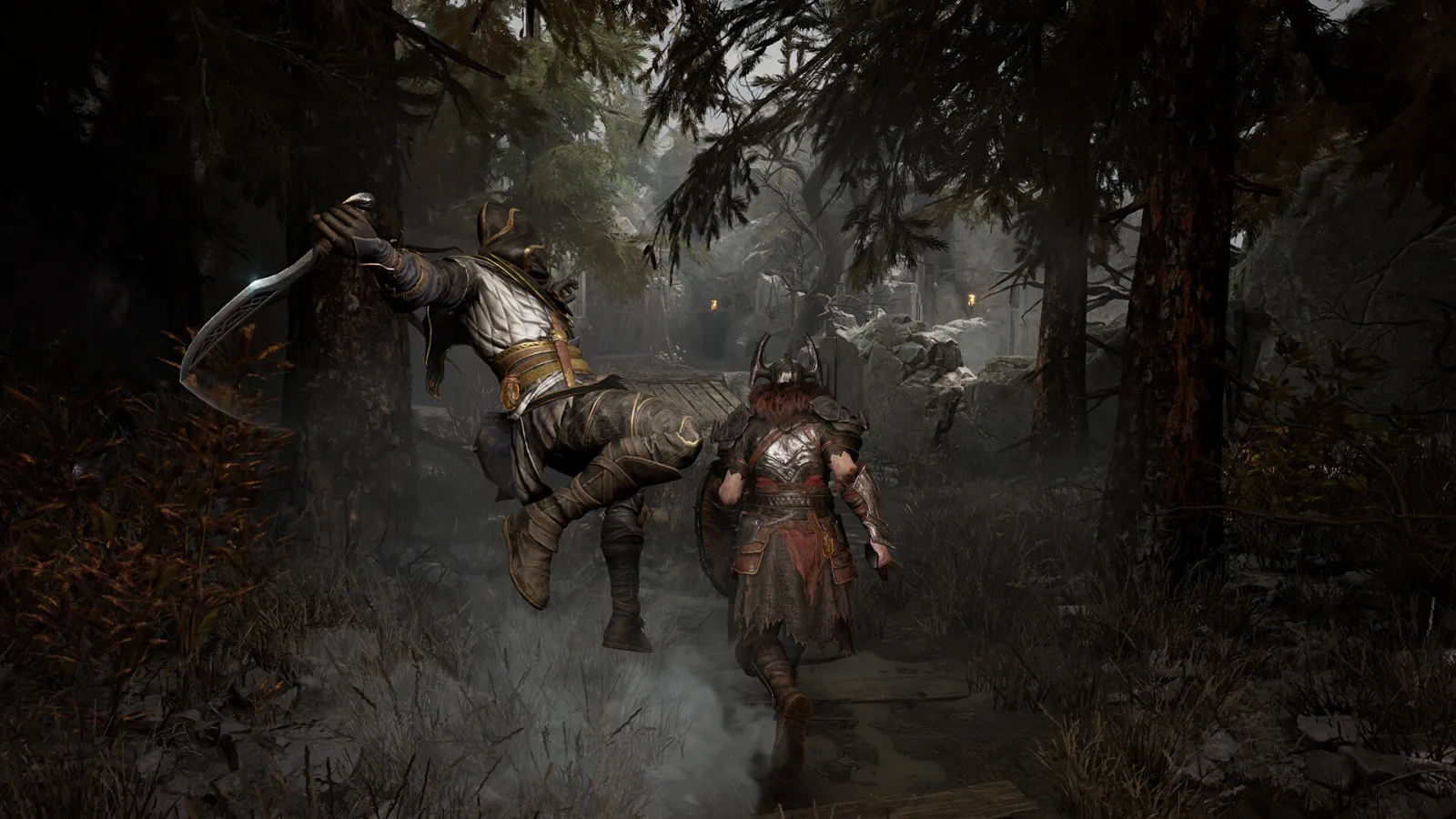
Choose the missing class job, make a direct run call, and use the current affix, equipment, boss, and known-issue references instead of a universal tier list or hidden risk score.
Open game hub →Mistfall Hunter Classes & Extraction Guide
Choose among all six Mistfall Hunter classes by job, stance, failure, and safe test, then look up the direct push, extract, or regroup call.
Mistfall Hunter Equipment, Bosses & Systems Reference
Use a Mistfall Hunter reference for Holy Weapons, keys, class sets, vouchers, zones, Mist Lords, seasonal systems, and PvE recovery without invented drops or patch guesses.
Mistfall Hunter Affixes Database
Browse Mistfall Hunter affixes by tier, build job, and trigger, then read each level effect with an icon and a simple current-reference filter.
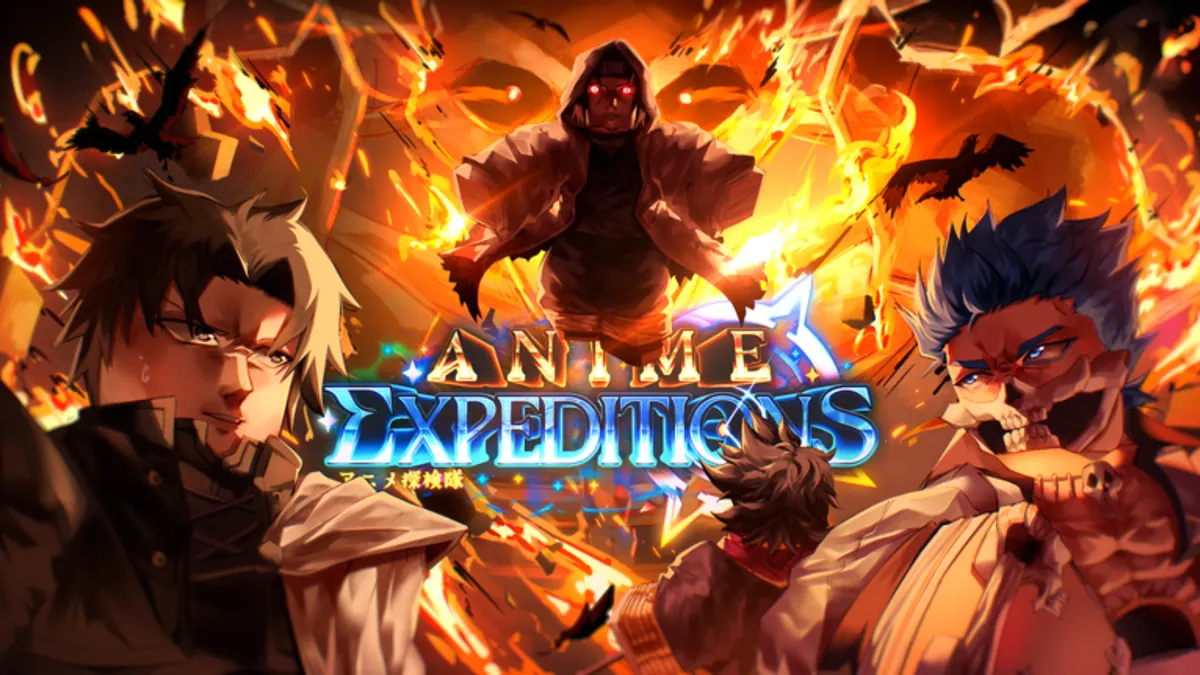
Anime Expeditions
Anime Expeditions is a Roblox tower-defense game built around summoning, team roles, Unit Forms, Equipment, Traits, Evolution materials, waves, bosses, and repeat progression modes.
Open game hub →Anime Expeditions Codes
Copy current Anime Expeditions codes, mark claimed rewards, troubleshoot invalid codes, and decide how to spend gems, Trait Crystals, locks, and rerolls.
Anime Expeditions Tier List
Filter 33 dated Anime Expeditions ranking records by role, mode, rarity, and Form, while keeping 21 current additions visibly unranked instead of forcing a tier.
Anime Expeditions Units Database
Search 54 Anime Expeditions Unit and Form records, compare known stats, and open connected Evolution, Item, and Equipment records.
Anime Expeditions Items Database
Search 55 Anime Expeditions Items by category and rarity, see obtain routes and Evolution uses, and save owned material counts for the Evolution Planner.
Anime Expeditions Equipment Database
Search 28 Anime Expeditions Equipment records by type, stat family, item name, or compatible Unit, with recorded roll ranges and direct Unit links.
Anime Expeditions Traits Guide
Compare every Anime Expeditions trait, exact effects, roll chance, best roles, recommended units, and Keep or Reroll advice before spending Trait Crystals.
Anime Expeditions Evolution Planner
Plan up to 17 Anime Expeditions Evolutions with combined recipes, owned inventory, Unit Quest availability, priority targets, shared material gaps, and a copyable next route.
Anime Expeditions Unit Loadout Finder
Choose an Anime Expeditions Unit and the job you need it to perform, then see the recorded Traits, Equipment, and safe locking rule for that relationship.
Anime Expeditions Team Builder
Filter Anime Expeditions team builds by Story, Infinite, Raid, Challenge, Expedition, carry, economy, buffer, control, and blocker, then choose a route for your roster.
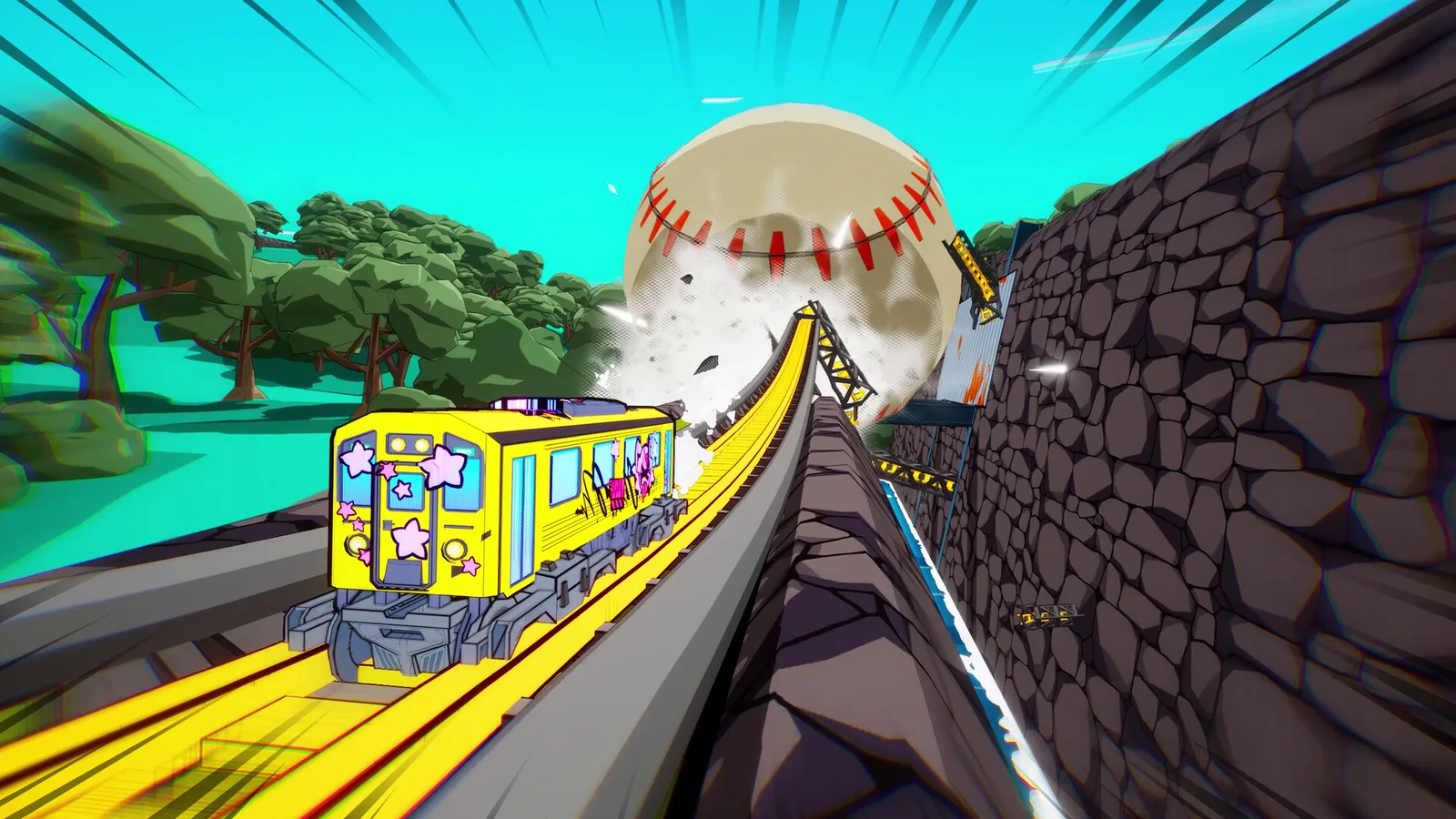
Denshattack!
Denshattack is a single-player action platformer where a gravity-defying train ollies, kickflips, grinds, and links score combos. Use the controller map to isolate an input, then read the route, rival, or boss before spending speed on style.
Open game hub →Denshattack Platforms, Price & Game Pass Guide
Compare the cheapest Denshattack access route across Steam, Game Pass, Steam Deck, PS5, Xbox Series X|S, and Switch 2, with price and setup checks.
Denshattack Controls, Tricks & Landing
Check the Denshattack controller layout, then fix takeoff, landing, grind, score, rival race, route, and boss problems with compact drills.

WARDOGS
WARDOGS is a 100-player, three-team tactical FPS built around a randomized Control Zone, persistent cash, combined-arms teamwork, and a battlefield that can be built or broken.
Open game hub →WARDOGS Access & First Session Readiness
Confirm WARDOGS Early Access access, Windows PC requirements, account and client state, online readiness, and the safest handoff into a first Control Zone match.
WARDOGS First Match & Persistent Cash
Read WARDOGS’s randomized Control Zone, choose one team job, test the $10,000 starting cash, and recover after a lost life without assuming a permanent meta.
WARDOGS Weapons & Loadouts
Choose a WARDOGS weapon and loadout test by squad job, Control Zone pressure, cash reserve, and one repeatable life instead of an unverified tier list.
WARDOGS Vehicles & Combined Arms
Use WARDOGS vehicles for transport, access, pressure, and regrouping while preserving the Control Zone, dismount route, and cash reserve.
WARDOGS Maps & Control Zone
Read WARDOGS randomized Control Zones, industrial mountain approaches, landmarks, destruction, and fallback routes without pretending preview scenes are a complete map database.
WARDOGS Server Status & Matchmaking
Troubleshoot WARDOGS online access, party handoffs, matchmaking, proximity voice, build state, and server symptoms without inventing unsupported uptime or crossplay claims.
WARDOGS Team Roles & Squad Composition
Choose WARDOGS Infantry, Medic, Pilot, Builder, Engineer, objective, and support jobs by the current squad gap without inventing a permanent tier list.
WARDOGS Building & Destruction
Use WARDOGS building and destruction to change cover, access, transport, and retreat routes around the randomized Control Zone.
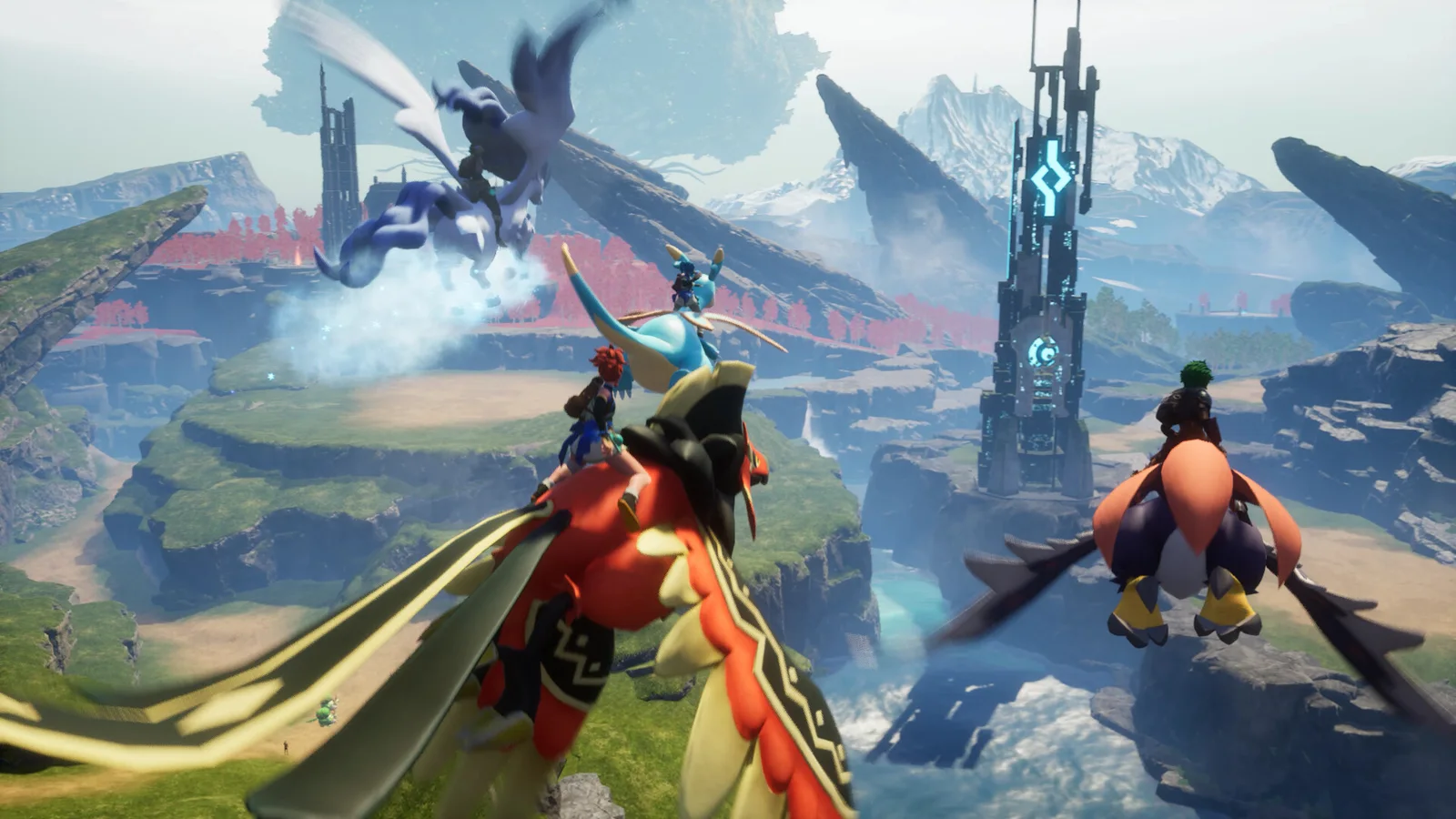
Palworld
A Palworld 1.0 field guide connecting Pals, Work Suitability, Partner Skills, base staffing, fast travel, old-save checks, and progression without treating one build or server setting as universal.
Open game hub →Palworld Work Suitability Database
Search 292 Palworld Pals and 747 verified Work Suitability relations for base job, minimum level, and worker style, then test the shortlist in one cycle.
Palworld Return to Base & Fast Travel
Choose a safe Palworld return-to-base route with Great Eagle Statues, Palboxes, Homeward Thundercloud, dungeon restrictions, settings, and death risk.
Palworld 1.0 Changes for Old Saves
Check Palworld 1.0 progression, mission resets, level 80, Pals, base staffing, Partner Skills, travel, and the v1.0.4 mission additions before choosing a new route.
Palworld 1.0 Progression Order & Pals
Follow the Palworld 1.0 progression order for a new world or returning save, then plan level 80, captures, condensation, Awakening, Mutation, towers, and the World Tree.
Need a repeat-use control?
Use Tools & Data for search, filters, comparisons, and databases.
This page is the reading directory: choose a game and open the guide that answers one player problem. The tools directory is reserved for databases and controls you are likely to use again.
Open Tools & Data →