
Best listed value per day
Among crops in the season that meet the deadline, rank listed sell value ÷ listed first-harvest days, highest first. This is a simple comparison score, not a repeat-harvest rate.

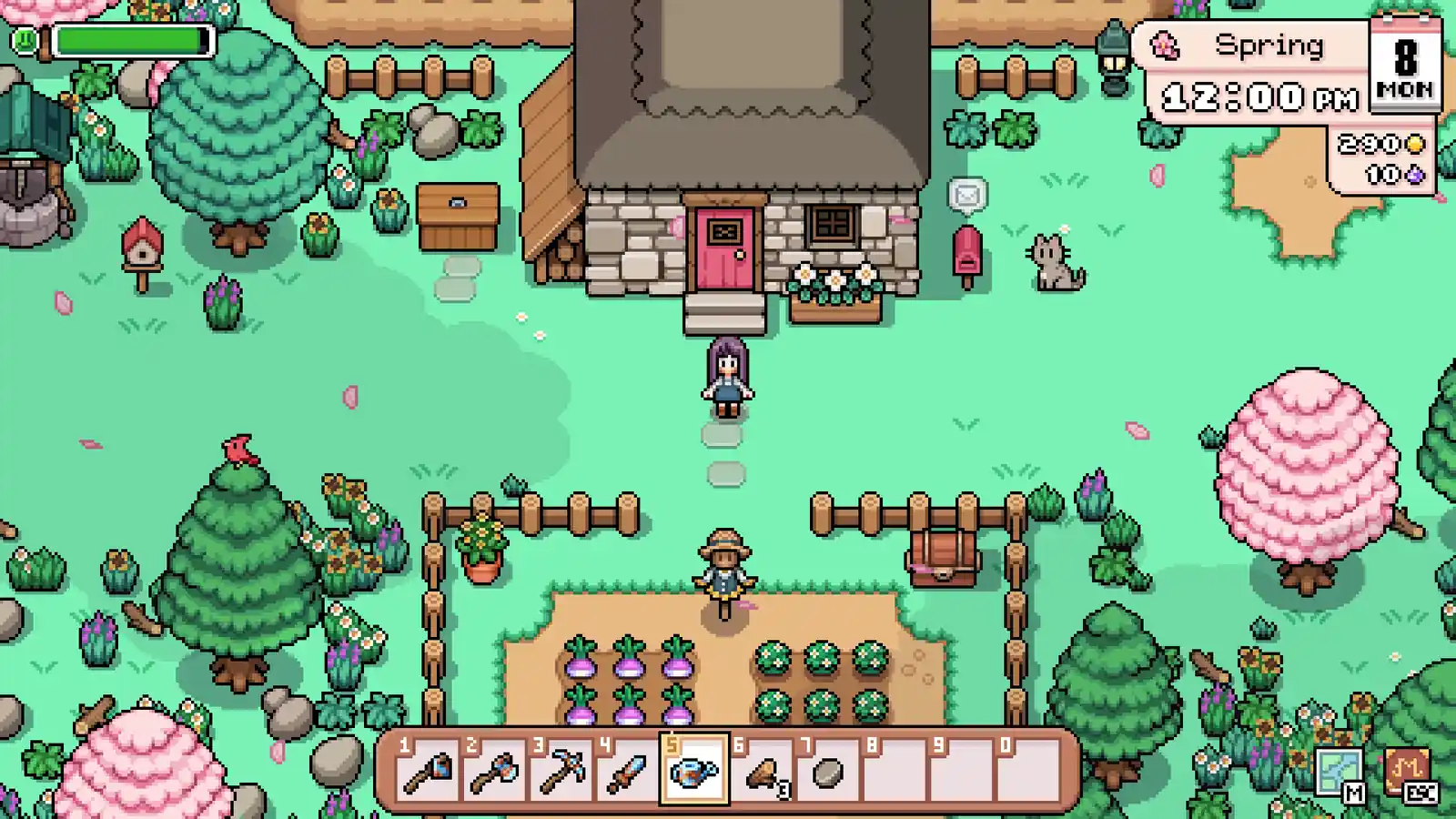
Farm tool · Fields of Mistria
In the Spring, 10-day, 10-plot baseline, Peas ranks first by listed value per first-harvest day; the one-item gross baseline is 1,350t. Change the season, deadline, plots, or priority, then verify seed access before planting.
Field assignment
Spring baseline · 54 crop records
Set the in-game season, deadline, and plots. Every mode first excludes crops whose listed first harvest exceeds that deadline; the selected mode then decides what “best” means.
Use whole numbers: 1–99 days and 1–999 plots. The chosen season is fixed; this does not simulate planting across a season change.
| Crop | First harvest | Listed value | Value / day | 10-plot gross* |
|---|---|---|---|---|
01  Peas | 5 days | 135t | 27.0t | 1,350t |
02  Strawberry | 5 days | 125t | 25.0t | 1,250t |
03  Cabbage | 9 days | 180t | 20.0t | 1,800t |
04  Carrot | 6 days | 80t | 13.3t | 800t |
05  Potato | 6 days | 75t | 12.5t | 750t |
06  Turnip | 4 days | 40t | 10.0t | 400t |
07  Snowdrop Anemone | 6 days | 40t | 6.7t | 400t |
08  Daffodil | 4 days | 25t | 6.3t | 250t |
Among crops in the season that meet the deadline, rank listed sell value ÷ listed first-harvest days, highest first. This is a simple comparison score, not a repeat-harvest rate.
Use the same season and deadline filter, then rank by one crop’s listed sell value. Ties go to the shorter first harvest.
Use the same eligibility filter, then rank by fewer listed growth days. Ties go to the higher listed sell value.
Situation · four Spring days remain
Set Spring and a four-day deadline before comparing crops.Check Turnip’s listed first harvest fits four days; Cabbage’s nine days and Strawberry’s five-day first harvest do not.
Avoid treating Strawberry’s three-day regrowth interval as its first harvest.
Situation · adding plots raises every total
Keep the same rank and use the updated gross figures for scale.Check every candidate uses the same plot count multiplier, so only the gross column changes when plots change.
Avoid expecting more plots to make a faster or higher-scoring crop move up the list.
Situation · the first result is not available to plant
Open the crop record and verify its live seed source before spending.Check the listed availability and whether a request or restoration currently needs the crop.
Avoid reading listed sale value × plots as profit; seed spend and live access are outside this result.
*Gross baseline: listed value × plots, assuming one listed crop item per plot for one harvest. Seed cost, quality, yield changes, repeat harvests, and live seed/request availability are not calculated. Changing plots scales every row equally, so it changes totals—not rank. Verify the selected crop’s availability and growth record before planting.
Use this database in three moves
The planner covers 54 crop records and shows a static seasonal baseline when JavaScript is unavailable. Custom inputs alter the result only in the browser.
Tool boundary
The planner multiplies a listed sell value by your plot count for one listed cycle. It does not subtract seed cost, estimate repeated harvests, or claim that the top row is always the best farm choice.
Farm handoff
After choosing a candidate, open its crop row and confirm the season, growth text, and availability before buying or planting. Keep request and restoration inputs reserved when the live objective needs them.
Planner loop
This is a first-harvest comparison, not a profit simulator. Set the actual season and deadline, decide what “best” means for today, then verify the selected crop’s live seed and request state.
Enter the in-game season and the days available before the crop must be ready. The filter removes rows whose listed first cycle exceeds that window; a later regrowth figure is not a substitute for the first harvest.
Fit ranks eligible rows by listed sell value per listed growth day; Highest gross value ranks by listed sell value; Fastest listed cycle ranks by growth days. None of these modes subtracts seed cost or simulates repeat harvests.
Plots multiply the displayed one-cycle gross total. Because the same plot count applies to every row, changing it cannot change the ranking. Verify the selected crop’s seed access and active request in Crops before planting.
Decision checks
Use the row that matches the current constraint, then keep the next test small enough to explain.
| Situation | Action | Why |
|---|---|---|
| Only four Spring days remain | Use the four-day first-harvest cutoff before comparing value. | Turnip’s listed four-day first harvest fits; Cabbage’s nine-day first harvest does not. Strawberry’s three-day regrowth is not its first harvest. |
| A high-value row misses the deadline | Keep it out of the eligible shortlist. | The deadline is a hard first-harvest constraint; value cannot make an unavailable crop finish sooner. |
| Changing plots moves the total but not the first row | Keep the ranking and read the new gross total. | Every candidate uses the same plot count, so plots scale each total equally and cannot reorder the crops. |
| No confirmed crop fits | Check the season and day count, then postpone the seed choice if both are right. | The tool does not borrow a crop from another season or invent an unlisted growth time to fill an empty result. |
| The gross number looks like profit | Treat it as listed sell value × plots for one listed cycle. | Seed spend, quality, requests, live access, and future harvests are outside the calculation. |
When the lookup does not fit
Unknown, empty, or conflicting results are a reason to narrow the route—not a reason to invent a value.
Reset the filters, try the item’s shorter name, then check whether the target belongs to a different collection page.
Keep the route reversible. Use the confirmed fields that remain and verify the missing condition in the live game before committing stamina.
Stop optional work, protect the farm or current objective, and carry the unfinished lookup into the next compatible day.
Natural next step
Open the next page when it changes the source, relationship, calculation, or recovery action.
Share this guide
Share the current Fields of Mistria route, or copy the link for Discord and group chat.
Player questions
In the listed crop snapshot, Peas has a 135t sell value and a five-day first harvest, or 27t per listed first-harvest day. That is the window-fit ranking score, not a profit or long-run yield claim.
No. The same plot count multiplies every eligible crop’s one-item gross baseline, so it changes displayed totals but not their order.
No. It assumes one listed crop item per plot for one harvest and does not subtract seed cost or simulate quality, yield changes, regrowth, or live availability.