

WARDOGS Access & First Session Readiness
Early Access entitlement, Windows PC baseline, online checks, and first-match handoff
WARDOGS Access & First Session Readiness
WARDOGS entered Early Access on September 10, 2026 for Windows online play. Check the live Steam entitlement, installed build, Windows 10 / 16 GB RAM / GTX 1660 or RX 590 / 50 GB baseline, connection, and first boot before reading a failed session as a gameplay problem.
What this page is for
A readiness route that keeps store facts, PC checks, client state, and the first Control Zone handoff in one place.
Player workflow
Use this page as a working handoff
Prove that the current account, PC, client, and online path can reach match entry before judging gameplay.
- Steam entitlement and region
- Windows, RAM, GPU, storage, and drivers
- Build, party, connection, and exact error
A dated readiness baseline that can be repeated after a patch or configuration change.
Do not troubleshoot weapons, roles, or zones while the client cannot reach the online or matchmaking screen.
Natural next handoff Carry the baseline into the first match
Use the page in three moves
Query first, test second, recover cleanly
WARDOGS readiness checklist is a server-rendered reference with a light selector layered on top. Start from the named blocker, narrow once, and leave the full answer visible when a filter would hide useful context.
- 01Name the job
Start with the player problem, then use the search release, pc, account, client, online, or first boot control instead of scanning every row.
- 02Read one matching record
Use the wardogs readiness checklist result to compare the job, fields, confidence, and safe next action before changing another variable.
- 03Verify the live result
Run the smallest test that can disprove the current plan, keep the baseline you can reproduce, and record the exact condition that changes your next move.
Covered on this pageAccess · PC readiness · First boot · Online · First session
Best first queryEarly Access date · September 10, 2026
If nothing matchesNo matching readiness check
Separate access from gameplay
The first WARDOGS answer is whether the current session can start
Early Access launch information is useful only when a player can connect it to the exact account, machine, and client in front of them.
Begin with the live Steam listing, not an old clip or a remembered playtest date. The current official route places WARDOGS in Early Access from September 10, 2026 on Windows for online multiplayer. That answers the broad availability question, but it does not answer whether this account, region, installed build, or party can enter a match today. Keep those as separate checks so a store or entitlement mismatch does not get misdiagnosed as a server rule or gameplay mechanic.
Next, verify the machine against the requirement baseline shown by the current listing: Windows 10, 16 GB of RAM, a GTX 1660 or RX 590 graphics target, and 50 GB of storage. Treat that as a launch floor, not a promise of a particular frame rate. Leave room for updates, use the same driver and graphics preset during the first comparison, and write down any visible performance or startup symptom before changing several settings at once.
Only after the client reaches its online or matchmaking screen should the first match become evidence about the game. Record the platform, build label if available, party context, and starting balance. This small handoff prevents a failed invite, patch loop, or missing entitlement from contaminating the Control Zone and cash decisions that belong to the playable session.
- StoreConfirm the current regional listing, date, edition, and signed-in entitlement.
- MachineCompare Windows, RAM, GPU, storage, drivers, and settings with the live requirement panel.
- ClientReach the online or matchmaking handoff before treating a match result as gameplay evidence.
Use one stable baseline
A readiness check is a short experiment, not a promise about servers or performance
The goal is to make the first session comparable enough that the next action has an identifiable cause.
Run the first test on one known-good Windows device and one known-good network path. Finish the current update, launch the client once, and verify that the account can reach the relevant online screen. If the process stops, capture the exact message, timestamp, platform, and build state. That record is more useful than a broad claim that matchmaking is down or the game is unplayable, especially during an Early Access window where a patch can change the symptom quickly.
Keep crossplay, latency, region routing, queue times, and server health marked as live checks. The official launch material confirms the online format, but it does not establish a universal threshold for any of those behaviors. A party that cannot join may need an account, update, or network check; a party that joins and then loses a fight has a different problem. The page deliberately gives those two situations different next steps.
When the session does pass the gate, do not spend the first minutes changing every setting or buying every visible option. Preserve the baseline and move to the match route with the current party and balance visible. If performance remains poor, return to this baseline before deciding that a role, vehicle, or Control Zone approach caused the result.
- HoldKeep one device, network path, update state, and graphics baseline for the first comparison.
- RecordCapture the exact failure message and build context instead of naming an unverified server rule.
- HandoffMove into the match guide only after the client reaches the online entry point.
Recover a blocked first session
When readiness fails, change the first broken dependency—not the entire plan
A clean recovery keeps access, performance, and gameplay evidence from being mixed together.
Start by classifying the earliest failure: the listing or account cannot launch, the client cannot finish an update, the machine misses the requirement baseline, the online handoff fails, or the match itself produces the problem. Each class has a different safe move. Recheck entitlement for a store mismatch, finish the current update for a stale client, verify storage and drivers for a machine symptom, and preserve the exact party and connection state for an online error.
After one dependency changes, repeat the shortest check that previously failed. Do not change account, hardware, graphics preset, network, role, purchase, and route simultaneously. If the client now reaches matchmaking, carry the baseline forward and open the first-match guide. If it still fails, keep the mismatch marked as a live client check; the absence of a confirmed server or crossplay rule is useful information, not a gap to fill with speculation.
This recovery method also protects future WARDOGS updates. A new build may alter requirements, menu flow, or connection behavior while leaving the Control Zone and cash decisions intact. A dated baseline tells you which layer changed and gives the next player a practical starting point without pretending the launch facts are permanent.
- ClassifyName the earliest store, client, PC, online, or match failure.
- RetestRepeat only the shortest failed check after changing one dependency.
- Carry forwardIf ready, preserve the baseline and open the Control Zone and cash route.
Visual reference
See the game context before making the lookup
These local game scenes establish the situation this page addresses. They support orientation only; the actionable answer remains in the text, fields, and recovery route below.
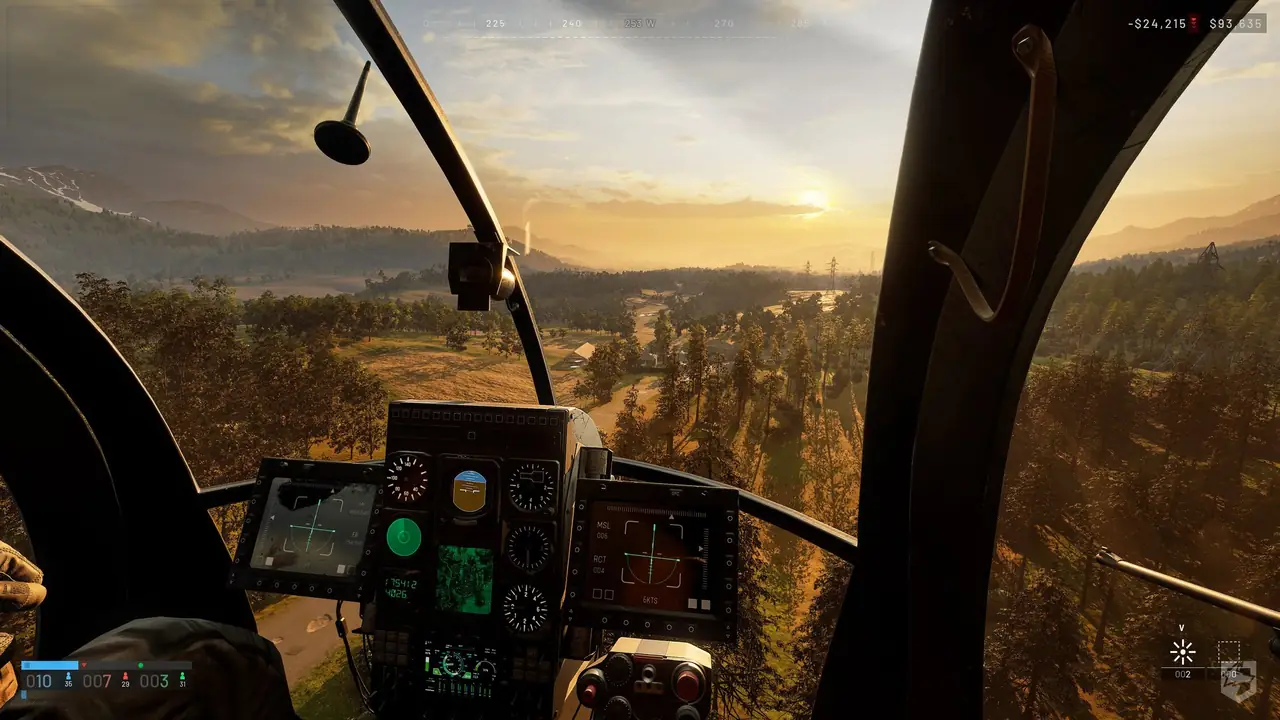
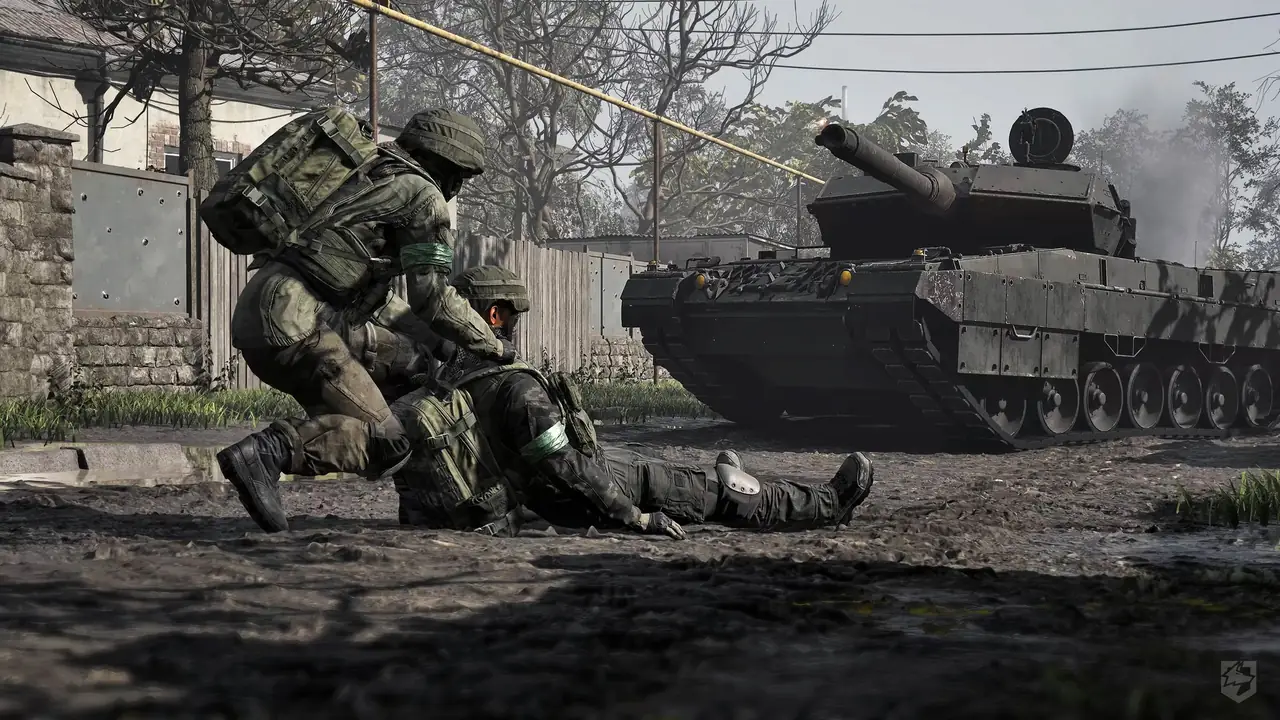
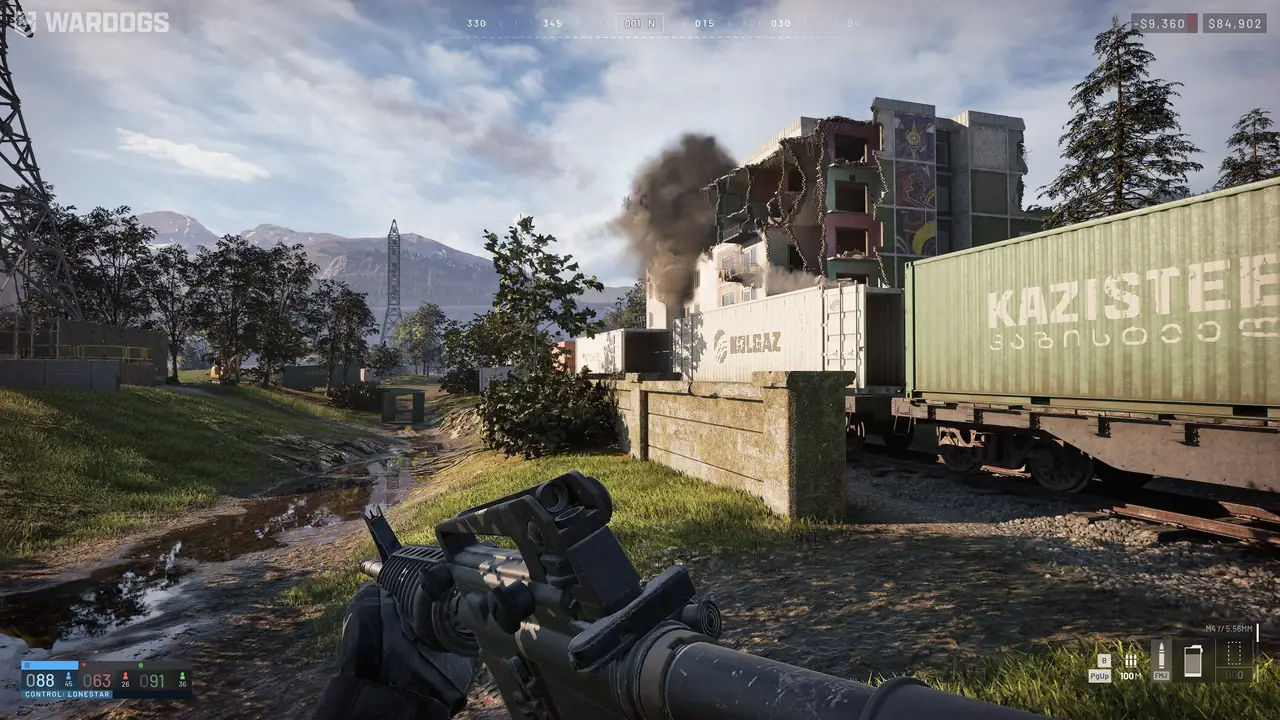
Store, PC, client, online, handoff
Online multiplayer route
GTX 1660 / RX 590 · 50 GB
Control Zone and cash route
Ready-to-match route
Store → machine → client → online handoff → first match
Run these checks in order so access or performance symptoms do not get mistaken for gameplay results.
- 1Confirm the live listing
Check the September 10, 2026 Early Access status, regional store page, edition, and signed-in entitlement.
- 2Check the PC baseline
Compare Windows 10, 16 GB RAM, GTX 1660 or RX 590 graphics, and 50 GB storage with the current requirement panel.
- 3Finish the current client
Complete updates, launch once, and record the build label and graphics/input baseline if the client shows them.
- 4Test the online handoff
Reach the party or matchmaking screen on one known-good device and connection before changing gameplay plans.
- 5Carry the baseline forward
Write platform, build, party context, and starting balance, then open First Match & Persistent Cash.
Readiness checklist
WARDOGS readiness checklist
WARDOGS entered Early Access on September 10, 2026 for Windows online play. Check the live Steam entitlement, installed build, Windows 10 / 16 GB RAM / GTX 1660 or RX 590 / 50 GB baseline, connection, and first boot before reading a failed session as a gameplay problem.
7 matches WARDOGS readiness checklist
Release check · Access
Early Access date · September 10, 2026
The official Steam listing places WARDOGS in Early Access from September 10, 2026.
- Release
- September 10, 2026
- Status
- Early Access
- Verify
- Regional listing and entitlement
Player job
Decide whether the current release route is the one your account should use.
Use now
Open the live regional listing and compare the date, edition, and account state before installing.
Safe next action
Keep the store region and account visible when a date or purchase screen differs.
Risk
A release date alone does not prove entitlement, server health, or identical regional access.
Platform check · Access
Windows PC online route
The current public scope is Windows PC online multiplayer.
- Platform
- Windows PC
- Format
- Online multiplayer
- First check
- Account, update, connection
Player job
Confirm that your platform and play group match the supported route.
Use now
Check the Windows install, signed-in account, update state, and online connection before joining a party.
Safe next action
Use the same account and connection path you will use for the first match, then record the handoff screen.
Risk
The platform statement does not establish crossplay, matchmaking behavior, or server uptime.
Hardware check · PC readiness
PC requirement baseline
The current store baseline lists Windows 10, 16 GB RAM, a GTX 1660 or RX 590 minimum, and 50 GB storage.
- OS
- Windows 10
- Memory
- 16 GB RAM
- Graphics
- GTX 1660 / RX 590
- Storage
- 50 GB
Player job
Decide whether the machine is ready for an Early Access install and first match.
Use now
Compare the current machine with the live requirement panel and reserve extra storage for updates.
Safe next action
Prefer an SSD, close competing loads, and record settings before judging performance.
Risk
Drivers, resolution, frame target, and later builds can change real performance.
Account check · First boot
Account and entitlement check
A store page can be available while the signed-in account, region, or installed client is not ready to launch.
- Check
- Signed-in account and launch permission
- Record
- Exact message and time
- Next
- Verify live store/client
Player job
Separate a purchase or entitlement problem from a game-session problem.
Use now
Confirm the account owns or can launch the current Early Access build, then note the exact message if it cannot.
Safe next action
Capture the platform, region, account state, and timestamp before retrying.
Risk
Do not treat a store mismatch as proof that a role, server, or match rule is broken.
Client check · First boot
First boot and update handoff
The first useful test begins only after the installed client reaches its current menu or match entry screen.
- Gate
- Current client reaches match entry
- Record
- Build label and settings
- Compare
- Same baseline on retry
Player job
Know when the client is ready enough to evaluate the game itself.
Use now
Finish the current update, launch once, confirm the client reaches its online or matchmaking screen, and record the build label if shown.
Safe next action
Use the same graphics preset and input device for the first comparable session.
Risk
A menu, patch, or driver change can alter startup and performance without changing the match rules.
Connection check · Online
Online session readiness
WARDOGS is described as an online multiplayer game, so the party and connection path must be ready before the first match read.
- Format
- Online multiplayer
- Test
- Party or matchmaking handoff
- Unknown
- Crossplay, latency, server behavior
Player job
Decide whether a failed join is an access symptom or a gameplay result.
Use now
Test the party invite or matchmaking handoff, then keep the platform, party size, and visible error together.
Safe next action
Run one short connection test before changing roles, purchases, or battlefield plans.
Risk
The current public material does not confirm crossplay, regional server behavior, latency thresholds, or queue times.
Session handoff · First session
Ready-to-match handoff
Once access, PC, client, and online checks pass, the next useful question is how to read the randomized Control Zone—not which unsupported meta to copy.
- Carry forward
- Platform · build · party · balance
- Next
- Read Control Zone
- Avoid
- Meta assumptions before a baseline
Player job
Move from setup checks into a comparable first match.
Use now
Write the platform, build, party context, and starting balance, then open the first-match route before spending.
Safe next action
Keep the readiness baseline unchanged for the first decision test.
Risk
Changing hardware, connection, role, and purchase together hides whether the session was actually ready.
No matching readiness check
Clear the search or readiness filter to return to the bounded release, PC, client, online, and first-session checks.
When the answer does not fit
When the session is blocked
Classify the earliest failed dependency, change one layer, and repeat the shortest check before moving into the match route.
- 1Store or account mismatch
Recheck the live regional listing, signed-in account, entitlement, and exact launch message.
- 2Client or update loop
Finish the current update, record the build state, and launch once before changing settings.
- 3PC or performance symptom
Verify storage, drivers, resolution, and graphics baseline against the live requirement panel.
- 4Online handoff failure
Repeat the party or matchmaking test with the same account, device, and network path.
- 5Readiness passes
Keep the baseline fixed and move to the Control Zone and cash guide rather than buying into a meta.
Decision table
Choose the next readiness check
Choose the row that matches the failure in front of you; the action is a bounded next experiment, not a hidden-stat guarantee.
| Situation | Action | Why |
|---|---|---|
| The store date or purchase screen differs | Verify region and signed-in entitlement first. | A release date does not prove this account can launch the current build. |
| The machine is near the minimum | Compare OS, RAM, GPU, storage, and drivers before matchmaking. | A PC baseline separates performance symptoms from match decisions. |
| The client updated today | Launch once and record the visible build or menu state. | A patch can change startup or performance without changing the objective loop. |
| The party cannot join | Repeat the shortest online handoff with the same account and network. | Crossplay, latency, and server rules are not confirmed by the current public scope. |
| The client reaches matchmaking | Carry platform, build, party, and balance into First Match & Persistent Cash. | The next useful question is how to read the randomized Control Zone. |
| A readiness fix changes the symptom | Keep the fixed layer and retest only the next failed check. | One-variable recovery makes an Early Access result explainable. |
Share this guide
Send the answer when another player hits the same blocker.
Share the current WARDOGS route, or copy the link for Discord and group chat.
Player questions
Access & First Session Readiness FAQ
Use the current game panel before spending rare resources on a value that can change.
When did WARDOGS enter Early Access?
The official Steam listing places WARDOGS in Early Access from September 10, 2026. Confirm the live regional listing and your account entitlement before installing.
What PC baseline does WARDOGS list?
The current store requirement baseline lists Windows 10, 16 GB RAM, a GTX 1660 or RX 590 minimum graphics target, and 50 GB storage. Leave room for updates and verify the live listing.
Is WARDOGS online only?
The current public scope is Windows PC online multiplayer. Crossplay, matchmaking behavior, and server health remain live-client checks.
What should I check before the first match?
Verify entitlement, installed build, update state, storage, drivers, connection, and whether the current client reaches the match screen before judging the first battle.
Where do I go after readiness passes?
Open First Match & Persistent Cash to read the randomized Control Zone, name a team contribution, and make one controlled $10,000 test.