



The Mound Items, Saints & Threats
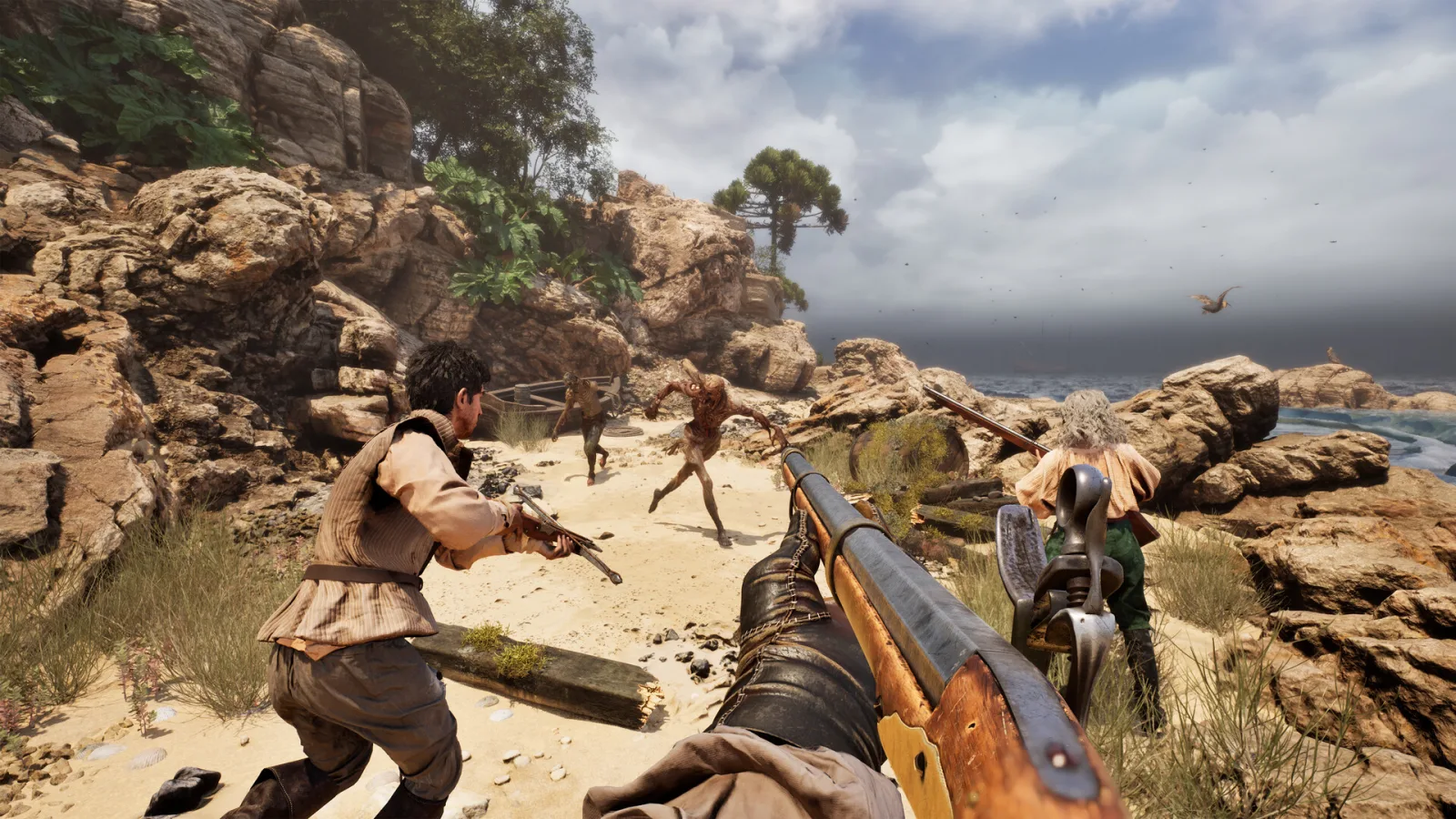
The Mound expedition team preparing equipment in the cursed jungle

Choose the entity type before the expedition

The Mound Items, Saints & Threats Database

Use Items & Gear for carried slots, Patron Saints for route coverage, and Threats & Responses for behavior cues. This entrance keeps the three entity types separate instead of duplicating them in one mixed table.

Updated Back to The Mound hub

Cross-entity field reference

Choose the entity type that owns the answer

This is the database entrance, not a mixed table. The expedition planner decides the contract and six-slot plan; these four focused references keep Items, Saints, Threats, and Weapons separate so each result has the right fields, image coverage, and next action.

Item records
24
Saint records
9
Threat records
26
Weapon rows
51

Fast database route

Open the page that matches the question

Use the picture where one is available to confirm the named entity, then read its route job and verify the live item or weapon panel after a patch.

Use the references in order

Contract → entity → response → return

  1. 1
    Name the contract problem

    Treasure, weather, madness, recovery, or a specific field threat should decide the first lookup.

  2. 2
    Open one entity type

    Do not mix unrelated rows. The focused page keeps its own filters, image set, and fields visible without JavaScript.

  3. 3
    Take the smallest safe action

    Keep the objective space open, choose the blessing or item that covers the named failure, and avoid a blind damage race.

  4. 4
    Handoff back to the expedition planner

    Return to the contract route when the item, Saint, or threat decision is complete so the crew can protect the Ox-wagon path.

Start from the blocker

Four field questions, four different lookups

The quickest route is not to scan every record. Name the failure that could end the expedition, then open only the entity type that can change that decision.

Loadout pressure

“What earns one of my six slots?”

Open Items & Gear when the question is about carry space, weather coverage, recovery, known effects, or Ox-wagon storage. The item page answers what the object does and what it protects; it does not decide the contract for you.

Choose an item →
Route pressure

“Which blessing covers this failure?”

Open Patron Saints when rain, madness, a fatal hit, attrition, blade pressure, or firearm coverage is the blocker. Match the Saint to the failure first, then return to the expedition plan and spend the blessing where it removes the named risk.

Choose a Saint →
Threat pressure

“Do we fight, avoid, or verify?”

Open Threats & Responses when a cue, scream, isolation pattern, hallucination, or field behavior changes the team call. Read the signal before spending damage, then use the regroup rule if the view is not confirmed.

Read a threat →
Weapon pressure

“Which weapon stays usable?”

Open Weapons when rain, noise, reach, rank, cost, or an Anvil relationship decides the firing lane. Filter to a condition, compare one same-family row, and keep the contract space open while testing.

Choose a weapon →

Cross-entity handoffs

Let the failure choose the next table

A named item, Saint, threat, or weapon is rarely the whole answer. The useful lookup starts with the failure, then crosses to the second entity only when that relationship changes the expedition decision.

Observed failureStart withCross-checkSafe handoff
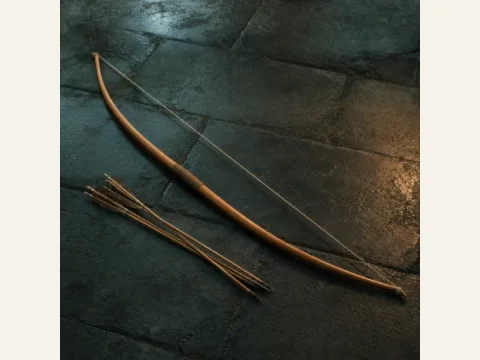
Rain removes the Matchlock planSaint EulaliaCrossbow, Longbow, or FlintlockRestore one ranged option before pushing deeper; do not keep a disabled firearm as the whole damage plan.
A player is isolated or the route feels splitProwler responseBuddy-pair contract planStop the push, name the last shared landmark, and reform the pair before searching for a kill route.
A crewmate is down and the body is becoming dangerousAmmonia SaltsY'm-bhiChoose the closest defensible recovery point; keep the Horn/Ox-wagon call separate from the revive decision.
Treasure movement attracts a pursuing threatHound of TindalosHorn and storage routeProtect the carrier and firing lane, then move the haul to shared storage instead of widening the personal loadout.
Team information cannot be trustedHallucinationSaint DymphnaStop movement and require a second player or stable landmark before firing, splitting, or changing route.
Rain or noise invalidates the planned weaponWeapon laneSaint Eulalia or weapon supportFilter to a usable lane, compare one same-family alternative, and keep the objective slot open while testing.

Before leaving the galleon

Build a small answer set, not a full inventory

The database is strongest when it removes one repeated failure from the next contract. Use the tables in this order, then stop when every remaining slot has a named job.

  1. 1
    Name the contract loss condition

    Decide whether the run is most likely to fail from weather, isolation, sanity, damage, recovery, storage, or an unknown landmark.

  2. 2
    Choose one primary entity

    Open the item, Saint, threat, or weapon table that owns the immediate answer. Do not spend a slot on a second answer before the first problem is covered.

  3. 3
    Add one relationship check

    Cross-check the weapon, blessing, storage route, or buddy rule only when it changes the action. A stronger label without a different action is not a better loadout.

  4. 4
    Write the return trigger

    Carry the chosen answer back to Contracts & Loadouts and define when the group retreats, calls the Wagon, or stops to verify a cue.

Coverage boundaries

What each page can answer

Counts describe the current public snapshot. Unknown prices, effects, or behavior remain unknown instead of being filled from a different entity type.

QuestionOpenFirst answerDo not assume
What earns a slot?Items & GearCategory, known price/effect, weather, recovery, and slot job.A current field price is permanent after a patch.
Which blessing covers the failure?Patron SaintsNamed weather, sanity, weapon, or recovery coverage.A Saint is a universal tier ranking.
Fight, avoid, or verify?Threats & ResponsesBehavior cue, current response, and safe regroup action.Every threat follows a normal kill route.
Which weapon fits the weather or upgrade budget?WeaponsFamily, damage, reach/durability, cost, rank, Anvil path, and route lane.A listed number is a permanent tier ranking or every row has a verified icon.

Share this guide

Send the answer when another player hits the same blocker.

Share the current The Mound route, or copy the link for Discord and group chat.

Player questions

Items, Saints & Threats FAQ

Use the current game panel before spending rare resources on a value that can change.

Is this a fourth mixed database?

No. It is the database entrance. Items, Patron Saints, and Threats remain on separate focused pages so each table can keep its own fields, image set, and response.

Where do I find an item price or slot job?

Open Items & Gear. The current bounded set contains 24 visual item records with known price or field-found status, effects, and route guidance.

Where do I find a rain or madness blessing?

Open Patron Saints. The current table contains nine named blessings matched to weather, sanity, weapons, and recovery jobs.

Where do I find a Prowler or hallucination response?

Open Threats & Responses. The current bounded set contains 26 visual threat records with behavior cues and safe field responses.

How do I return to the expedition route?

Use Contracts & Loadouts after the entity lookup to confirm the six-slot plan, party split, weather coverage, Ox-wagon call, and retreat trigger.