

Record only the orders currently shown for your available shop tiers.
Graveyard Keeper 2 Town Orders & Happiness
Choose a feasible Pride-day order, pack its Factory box, and fix the cap on the right day
Graveyard Keeper 2 Town Orders & Happiness Guide
Read the Town Warehouse board on Pride day, choose only an order whose displayed inputs you can supply, pack its box in the Factory, and check happiness capacity separately. If Town quality is the blocker, confirm Linda’s New People option on Lust day before spending Green Scrolls.
Use this page when
Convert the Pride board and Lust-day Town-quality check into one feasible weekly plan.
Workflow: Weekly Town cycle · order selection to happiness capacity
Open the action tableChoose an order whose every input is owned, currently sold, or craftable with an unlocked station.
A named order, a Factory packing list taken from the live board, and the next valid Green Scroll hand-in window.
Choose the blocker
What is stopping this attempt?
Find the row that matches the situation in front of you. Do the action, check the live result, then follow the page's recovery route only if the same blocker remains.
| When this happens | Do this now | Check before moving on | Do not assume |
|---|---|---|---|
| It is Pride and you have not read the board | Collect the live Warehouse orders first | Current shop tier and requested input list | Crafting from a saved or remembered order list. |
| One order has a missing, tier-locked input | Choose the other feasible offer or solve that supply route first | Seller action and station availability | Assuming the higher reward makes an unavailable order better. |
| You have the goods but the order is still open | Pack its supply box in the Factory | Board state after the box handoff | Treating inventory possession as order completion. |
| More happiness does not help the next sermon | Check the Town-quality ceiling and Linda’s Lust-day option | Current quality, cap, day, and Green Scroll prompt | Producing another order when capacity is the blocker. |
Need recovery?Jump to the failure route
Weekly Town Route
This-week Town order decisions
Search a named blocker or topic. The full record opens only when you need its fields, safe action, and risk.
7 matches This-week Town order decisions
Calendar route · pride
Collect this week’s orders on Pride day
The reported weekly cycle starts at the chalk board in the Town Warehouse on Pride day; the live board is the authority for the offers this week.
- Reported board day
- Pride
- Board location
- Town Warehouse chalk board
Player job
See which shop-tier orders actually exist before producing any requested goods.
Use now
On Pride, open the Warehouse board and record the exact order names and inputs shown for your current shop tiers.
Safe next action
Build the plan from this week’s list, not a remembered screenshot or another player’s previous board.
Risk
Starting production before reading the board can leave you with goods that do not satisfy a current order.
Order selection · pride
Compare the two offers for the tier you can supply
The Town reference reports two order choices per shop tier, so shop level changes the available task rather than merely increasing a generic reward.
- Reported offer shape
- Two orders per shop tier
- Selection test
- Can every listed input be supplied now?
Player job
Select an order that matches the stock and production routes you already have.
Use now
Compare the visible inputs and reward on the board; choose one whose full input list is reachable from your current tier.
Safe next action
Treat the board’s current offer as more reliable than any saved example of an order.
Risk
A higher-looking reward is not feasible if one required product has no unlocked source.
Order selection · week
Choose by complete input route, not headline reward
An order consumes a chain of goods, so its real cost is the first missing input and the Town or production route needed to reach it.
- Feasibility pass
- Owned · current seller · available station
- Hold
- Any input with no confirmed route
Player job
Avoid committing time and materials to an order that is blocked upstream.
Use now
For each visible order, mark every requested input as owned, purchasable at the current tier, or craftable at an available station; pick only after all lines have a route.
Safe next action
If one line is unresolved, keep the other offer as the candidate rather than guessing a recipe or unlock.
Risk
The order list and shop tables can contain reported or corrected entries; the current board and live shop action must settle the choice.
Order handoff · week
Pack the order as a Factory supply box
Town orders are reported as Factory-packed supply boxes; carrying the goods alone is not the final order step.
- Input source
- Current Warehouse order
- Completion check
- Factory box and board state
Player job
Turn the selected input list into a submitted order rather than stopping at inventory.
Use now
Use the order shown on the Warehouse board to pack its supply box in the Factory, then return to verify the order state changed.
Safe next action
Keep one order’s inputs together until the Factory confirms the box is complete.
Risk
A filled personal inventory does not prove the order was packed or accepted.
Capacity check · week
Check the happiness ceiling before chasing another order
Town orders are the main reported happiness source, but Town quality limits how much happiness the Town can hold.
- Order role
- Main reported source of happiness
- Capacity role
- Town quality limits stored happiness
Player job
Tell a supply shortage apart from a happiness-cap shortage.
Use now
Read the current happiness amount and cap; if the cap is the blocker, plan a Town-quality increase instead of producing another order blindly.
Safe next action
Keep the order route and capacity route separate: more goods do not by themselves raise Town quality.
Risk
Continuing the wrong loop can add work without increasing the capacity needed for the next sermon.
Town-quality route · lust
Hand Green Scrolls to Linda on Lust day
The Town reference reports that Linda’s New People option accepts Green Scrolls on Lust day and that each hand-in adds one Town-quality point.
- Reported window
- Lust day · Linda · New People
- Reported effect
- 1 Green Scroll adds 1 Town quality
Player job
Raise the Town-quality ceiling when the current happiness cap is the real bottleneck.
Use now
On Lust, open Linda’s New People option, confirm it is active, and hand in only the Green Scrolls you intend to spend.
Safe next action
Recheck the displayed Town quality and happiness cap afterward; use the live values rather than assuming a one-for-one cap change.
Risk
The option can be unavailable outside the reported day, and the first quest interaction may be a special case.
Weekly review · week
Recheck the board and cap before starting a second route
A weekly plan is complete when the chosen box is accepted and the next bottleneck is clear—not when every visible possibility has been attempted.
- Keep
- One open blocker and its owner page
- Next cycle
- Read the new Pride board again
Player job
Carry one actionable state into the next Pride or Lust window.
Use now
After the hand-in, note the updated board state and whether the remaining blocker is another visible order, an unavailable input, or Town-quality capacity.
Safe next action
Return to the shop route only for an input source; return to this page when the next calendar window or cap changes.
Risk
Mixing order selection, shop unlocks, and happiness capacity makes the next week harder to diagnose.
No weekly route matches that search
Use the in-game day or exact board item as the search term, then confirm the current offer before producing anything.
Workflow details
What to bring into the next attempt
Open the contract only when you need the exact inputs, stop signal, or next handoff.
Show workflow inputs, stop condition, and handoff
- Visible order board
- Available inputs by shop tier
- Current happiness cap and Green Scroll count
A named order, a Factory packing list taken from the live board, and the next valid Green Scroll hand-in window.
Stop when the order is absent, its input route is not unlocked, or the Town cap remains the binding constraint.
Natural next handoffTown Shop Supply Route
Orders are a weekly supply puzzle
Do not build inventory for an order you cannot see
The board is the weekly input contract. Your unlocked Town and production routes decide which offer is practical.
Answer
Start on Pride day at the Town Warehouse chalk board. The reference reports two order choices for each shop tier, but the offer you should follow is the one your own board currently displays. Copy its requested inputs, then check them one by one against inventory, the active seller tier, and stations you have already unlocked. This prevents a common time sink: crafting or buying a remembered item before the current board asks for it.
Reasoning and edge cases (2)
Compare feasibility before reward. A large-looking order is not a useful target if even one input depends on a shop tier that is still locked. Keep that item as a supply problem and follow the Town Shop Supply Route; do not silently swap in a substitute or infer an order recipe. Once the route is complete, return to the board and build only the current box.
Packing matters. The reported flow uses supply boxes prepared in the Factory, so close the loop by returning to the order board and checking that the game registered the handoff. Inventory possession and order completion are separate states.
- SelectUse the live Pride board, not a static list.
- FeasibilityEvery input needs a current source before production starts.
- SubmitPack the matching box at the Factory and verify the board.
Separate earnings from capacity
A full happiness bar is a Town-quality problem, not an order shortage
Orders add the main reported happiness flow; Town quality defines the ceiling that can hold it.
Answer
Before you spend another cycle on supplies, read both the happiness amount and its cap. If the board is complete but the ceiling is the obstacle, an extra order does not answer that problem. The Town route reports that Green Scrolls raise Town quality through Linda’s New People option on Lust day; the source describes one point of quality per scroll. Treat the UI’s displayed cap after hand-in as the actual result rather than assuming the cap itself changes by exactly the same amount.
Reasoning and edge cases (2)
The calendar is part of the decision. If Linda’s option is greyed out or shows a day marker, do not keep trying the interaction or spend the scroll elsewhere based on memory. Wait for the reported Lust window, confirm New People is active, make the hand-in, and then re-read the capacity. The first quest interaction can be exceptional, so let the current prompt settle that case.
This creates two separate jobs: on Pride, select and package an order that is feasible now; before the sermon, use Town quality to solve a binding cap. Keep both states in your weekly note so the next cycle starts from the actual blocker.
- If inputs are missingTrace a seller or craft route before choosing the order.
- If capacity is fullCheck Town quality and the Lust-day Green Scroll window.
- After either actionVerify the board or cap changed in the current build.
Read the handoff before packing again
An order has three states: visible, boxed, and accepted
Keep the board offer, the Factory supply box, and the post-submission result separate when the weekly route appears stuck.
Answer
A visible offer is only a request; goods in inventory are only inputs; and a packed box still needs the game to register the handoff. After packing, return to the current order state and check whether the chosen offer changed. If it did not, reopen the live request and compare its exact inputs with the box you prepared before making another batch. Do not assume a remembered order, another shop tier, or a carried stack is interchangeable with the current board entry.
Reasoning and edge cases (2)
If the offer is no longer visible, stop rather than trying to submit the old list again. Recheck the in-game day and the board’s present state; this page does not promise a universal reset hour or a fixed set of orders. If the board confirms completion but the sermon plan is still blocked, compare current happiness with its cap and switch to the Town-quality check instead of treating the finished order as a failed supply route.
This gives each retest one observable result: the box matches the live offer, the board records its completion, or the cap check identifies a different bottleneck. Keep the other variables still while resolving that state. If one requested item has no current source, return to the Town Shop Supply Route; do not substitute an unverified recipe or open a new order page for every shop.
- Before packingMatch the box to an offer visible now.
- After packingReopen the board and verify the offer state.
- If completeCheck the happiness cap as a separate system.
Visual reference
See the game context before making the lookup
These local game scenes establish the situation this page addresses. They support orientation only; the actionable answer remains in the text, fields, and recovery route below.
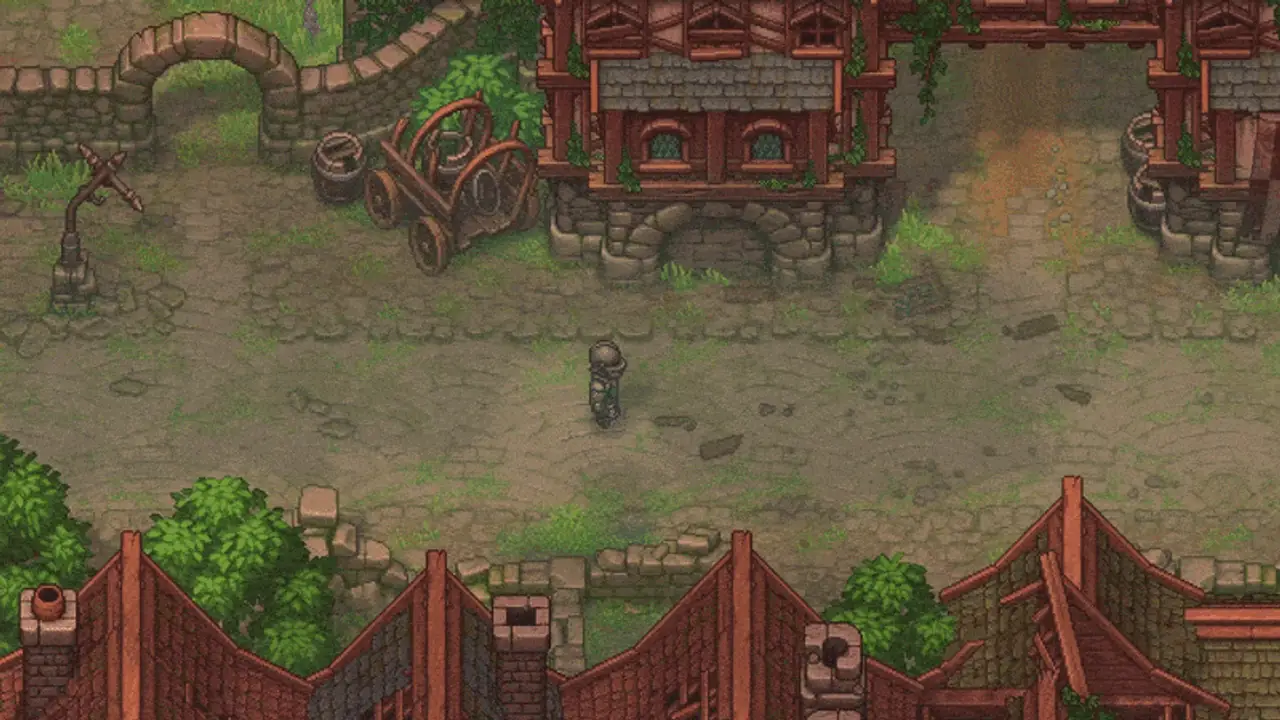
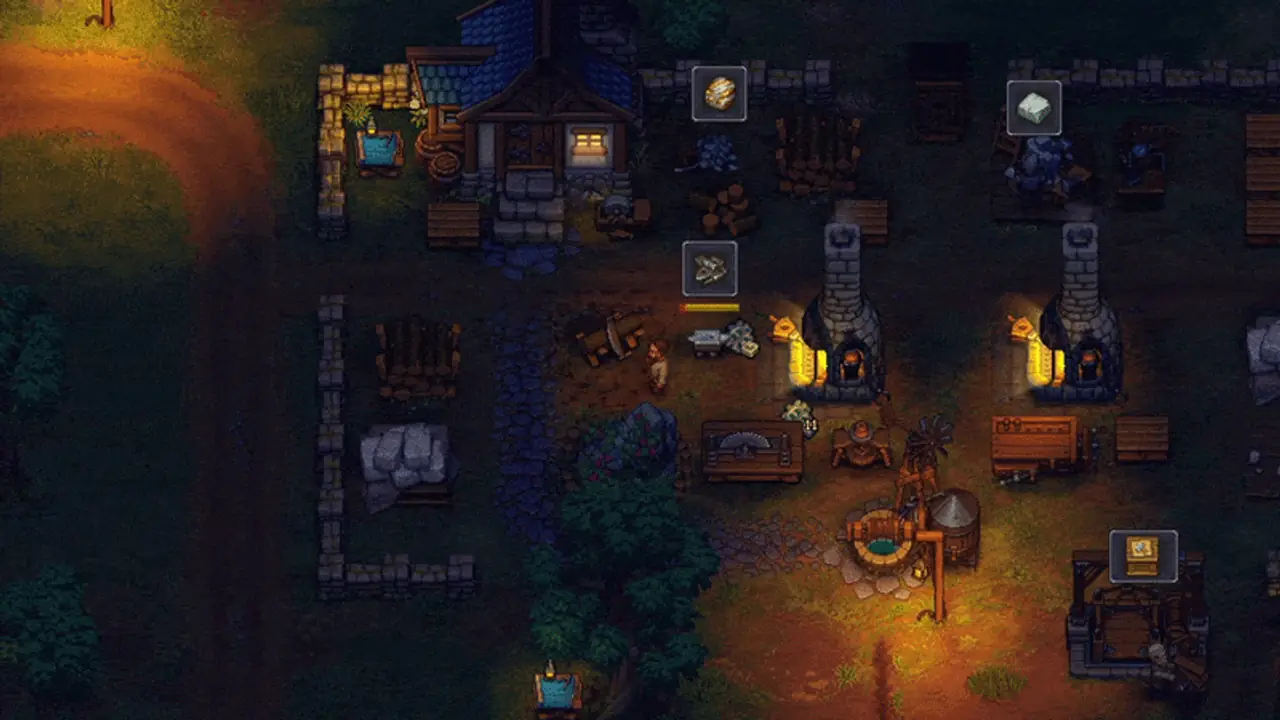
Read the Warehouse list first
Verify the box, not just inventory
Linda’s New People option
Confirm the option is active
Weekly order cycle
Pride board → feasible inputs → Factory box → cap check → Lust hand-in
This is a calendar route, not a static order list: the current board determines what you should actually craft.
- 1Read the Pride board
Record only the orders currently shown for your available shop tiers.
- 2Pick a complete supply path
Choose an order whose every input is owned, currently sold, or craftable with an unlocked station.
- 3Pack the Factory box
Use the board’s exact inputs and confirm the order changes to accepted or complete.
- 4Inspect happiness capacity
Check whether order completion or Town quality is the actual sermon constraint.
- 5Use the Lust window
If capacity is binding, check Linda’s New People option and then verify the new in-game values.
When the answer does not fit
When the order or happiness route does not move
Identify whether the failure is the offer, the item source, the box handoff, or the cap before changing the plan.
- 1Read the current board again
Confirm that the order and its exact inputs are still visible.
- 2Find the first unavailable input
Check inventory, seller tier, and available craft station; route a missing item through Town supply.
- 3Confirm Factory submission
Check whether the matching supply box was packed and accepted.
- 4Switch only if the cap is binding
Check Linda’s day-specific option and the displayed Town quality before spending more time on orders.
Share this guide
Send the answer when another player hits the same blocker.
Share the current Graveyard Keeper 2 route, or copy the link for Discord and group chat.
Player questions
Town Orders & Happiness FAQ
When do Town orders appear?
The reported cycle places the Town Warehouse board on Pride day. Read your live board before crafting because current offers determine the route.
Where do I complete an order?
Town orders use supply boxes packed in the Factory; return to the Warehouse board to confirm the handoff registered.
How do Green Scrolls affect Town happiness?
The Town reference reports that each Green Scroll adds one Town-quality point through Linda’s New People option on Lust day. Check the displayed cap after the hand-in.
Should I keep filling orders when happiness is capped?
First check whether the cap—not missing order inputs—is stopping the next sermon plan. Town quality is the reported capacity route.