

Select grave, worker zombie, study, or a named crafting requirement before opening the operation sequence.
Graveyard Keeper 2 Corpse Handling
Choose grave, worker, study, or crafting use before changing organs or pockets
Graveyard Keeper 2 Corpse Handling: Organs & Skulls
Choose the corpse’s destination before operating. Record its red/white skulls, six organ slots, and pocket contents; protect white-skull grave quality or red-skull worker potential only when the live preview supports that goal, and stop on Surgeon’s Error.
Use this page when
Keep one incoming body useful by choosing its purpose before changing organs or pockets.
Workflow: Corpse triage · destination before irreversible handling
Open the action tableRecord visible skull totals, six organ slots, pocket contents, and any error.
One body-specific next action: preserve, proceed with a preview-confirmed change, or stop and reassign the goal.
Choose the blocker
What is stopping this attempt?
Find the row that matches the situation in front of you. Do the action, check the live result, then follow the page's recovery route only if the same blocker remains.
| When this happens | Do this now | Check before moving on | Do not assume |
|---|---|---|---|
| You have not decided where the corpse should go | Do not operate yet; choose a destination first | Grave, worker, named study, or named craft | Removing a part before knowing the intended use. |
| The target is a grave | Protect the white-skull result shown in the preview | Current body summary after each one-part change | Applying a generic organ recipe to this body. |
| The target is a worker zombie | Read red-skull potential but do not infer efficiency | Preview, body state, and later one-station test | A universal red-skull threshold or best-worker claim. |
| Surgeon’s Error is present | Stop and assess only a visible fallback | Whether the current UI accepts the alternative use | Expecting another speculative operation to erase the error. |
Need recovery?Jump to the failure route
Corpse Destination Check
Before-you-operate corpse checks
Search a named blocker or topic. The full record opens only when you need its fields, safe action, and risk.
7 matches Before-you-operate corpse checks
Destination choice · baseline
Assign the body one destination first
The same body can be considered for a grave, worker zombie, study, or crafting use, but each purpose values different parts of its current state.
- Choose one
- Grave · zombie · study · named craft
- Before acting
- Check the live requirement for that use
Player job
Decide what this corpse should become before selecting an operation.
Use now
Write one intended use next to the body and check the current requirement for that use before changing its organs or pockets.
Safe next action
If no destination is ready, preserve the body state and wait until the needed item, recipe, or grave plan is clear.
Risk
Starting surgery before choosing the use can remove a part needed by the destination you settle on later.
Body baseline · baseline
Record skulls, organs, and pockets before cutting
The reported body model ties six organ slots and pocket contents to the red/white skull totals, so the starting state is the comparison point.
- Capture
- Red/white skulls · six organs · pockets
- Also note
- Existing Surgeon’s Error
Player job
Keep a recoverable reference for the body you are about to alter.
Use now
Note the visible red and white skull counts, the contents of all six organ slots, pocket items, and any existing error before the first operation.
Safe next action
Change one part at a time and compare the live preview to this baseline.
Risk
Without a baseline, a changed total cannot be traced to a particular organ, pocket item, or failed operation.
Grave destination · preview
For a grave, protect the white-skull target
The reported decision boundary associates white skulls with grave quality; exact part-by-part effects must be read from the current body preview.
- Primary target
- White-skull result for the intended grave
- Authority
- This body’s operation preview
Player job
Keep grave quality as the objective instead of optimizing an unrelated zombie signal.
Use now
Before an organ or pocket change, compare the previewed white-skull result with the current body and stop if the change lowers the target you need.
Safe next action
Use the in-game preview for this body; do not apply a memorized universal organ recipe.
Risk
Part effects depend on the body state, and a general list cannot replace its current preview.
Zombie destination · preview
For a worker zombie, inspect red-skull potential
The reported corpse route links red skulls with zombie talent potential, but it does not establish a universal threshold or a guaranteed worker outcome.
- Reported signal
- Red skulls relate to zombie potential
- Not supplied
- Universal threshold or worker ranking
Player job
Decide whether this body is worth preparing for a worker role.
Use now
Check the current red-skull display and preview before each change, then preserve the body only if the live result still matches the planned worker use.
Safe next action
Carry the resulting worker to one named station test; do not turn potential into an efficiency ranking.
Risk
A red-skull total alone does not prove a best specialization, skill path, or production rate.
Study/crafting destination · baseline
Reserve a part only for a named study or recipe
Study and crafting can make a body part valuable for a second purpose, so the needed item should be confirmed before autopsy.
- Before autopsy
- Confirm a named current requirement
- Safe default
- Postpone an unverified cut
Player job
Avoid consuming or moving a part that is still required by a named research or crafting step.
Use now
Open the current study or recipe requirement, identify the exact part, and leave it untouched until that action is ready.
Safe next action
If the game does not show the part requirement, postpone the operation rather than guessing from a general organ list.
Risk
A part removed for skull tuning may be the blocker for a separate research or crafting task.
Operation check · preview
Use the preview before each operation, not just the first
Removing, inserting, or changing a pocket can move the totals that matter to the body’s destination; the result must be checked after each change.
- Operation size
- One change
- Compare
- Preview → body summary → target
Player job
Make one controlled operation without losing the target state.
Use now
Compare the operation preview to the destination target, make one change, then reopen the body summary before choosing another operation.
Safe next action
Stop if the preview differs from the expected direction or the action reports an error.
Risk
A sequence of several changes makes the cause of an unexpected skull result impossible to isolate.
Failure boundary · error
Stop when Surgeon’s Error appears
The reported handling guide treats Surgeon’s Error as a lasting failure state for improving that body.
- Stop signal
- Surgeon’s Error
- Next check
- Only a fallback the current UI permits
Player job
Prevent a failed body operation from becoming a chain of further risky cuts.
Use now
Stop surgery when the error is shown; reassess whether the body can still serve a lower-risk use visible in the current game state.
Safe next action
Do not continue expecting more operations to erase the error or restore the prior target.
Risk
A second speculative change can make the body less useful without removing the original failure.
No corpse decision matches that search
Search the intended destination or operation state, then read the current body preview before making a change.
Workflow details
What to bring into the next attempt
Open the contract only when you need the exact inputs, stop signal, or next handoff.
Show workflow inputs, stop condition, and handoff
- Intended corpse destination
- Visible skull and body-part state
- Operation preview and error state
One body-specific next action: preserve, proceed with a preview-confirmed change, or stop and reassign the goal.
Any unexpected preview change or an existing Surgeon’s Error.
Natural next handoffZombie Worker Automation
Choose the destination before the knife
A grave body and a worker body are different optimization jobs
Do not start by asking which organ is “best.” Start by deciding what this one corpse must do for the save.
Answer
For a grave, the reported route uses white skulls as the quality signal. For a worker zombie, red skulls are described as potential. Those are different targets, and the source does not establish a universal organ formula or a guaranteed threshold. Read the body you have, not an imagined average body: its visible totals, six organ slots, and pockets form the baseline for every next choice.
Reasoning and edge cases (2)
If the body is reserved for study or crafting, open that named requirement before cutting. Preserve the specific part the current screen asks for. When no immediate destination or item requirement is visible, the safest useful choice is to wait; a delayed operation is reversible, a mistaken operation may not be.
After each change, compare the preview and body summary. A part-by-part decision is only useful if you can attribute the result to one operation. If the preview moves away from the purpose you chose, stop before the next operation and reassess the destination while the body still has a readable state.
- GraveProtect the visible white-skull goal.
- WorkerTreat red-skull potential as a lead, not a stat formula.
- Study/craftReserve the exact part shown by the current requirement.
Make one operation recoverable
Surgeon’s Error is a stop condition, not a reroll instruction
A bad operation should narrow the next decision; it should not trigger several more guesses.
Answer
Before a cut, insertion, embalming step, or pocket change, compare the displayed preview with the intended destination. Make one operation and look at the resulting body again. This small loop catches both directions of failure: an operation that does not improve the target and one that pushes the body away from it.
Reasoning and edge cases (2)
If Surgeon’s Error is already displayed, stop trying to raise that body through more speculative operations. Check whether the current game state still permits a less demanding use, but do not claim that a burial, study, or recipe will accept it without seeing the live requirement. If the body can no longer safely meet its original goal, carry the failure lesson to the next corpse rather than repeating the same operation chain.
Once a body is intentionally made into a worker, the next test is no longer corpse processing. Take it to one station and use the Worker Automation route to check job, tool, input, and output handoffs without changing the whole Factory.
- PreviewCheck before and after every body change.
- StopDo not chain more cuts after an error.
- HandoffTest a prepared worker at one station.
Prioritize a named body-part requirement
A part request can matter more than a higher skull target
When one corpse could serve several plans, settle the named study or crafting requirement before treating it as a grave or worker optimization problem.
Answer
Open the current study or recipe request before deciding what to remove. If it names a particular body part, mark that part as reserved and compare the proposed operation with the requirement; a promising grave-quality or worker-potential preview does not automatically satisfy a second task. The useful question is which job this body must complete first, not whether it can be pushed toward every possible destination at once.
Reasoning and edge cases (2)
If the part request and the desired skull result appear to compete, keep the priority explicit. Preserve the body unchanged until the live screen shows a safe route, or assign the study/crafting job to a different available body. Do not infer that a removed part can be restored, that one body can always serve both purposes, or that an unlisted recipe will accept a substitute.
After the named requirement is satisfied—or ruled out by the current UI—reassess the remaining body state from its visible summary. Only then decide whether the grave or worker route is still viable. This prevents a good-looking skull total from hiding the loss of the exact item that brought the corpse to the table in the first place.
- ReadOpen the exact study or recipe before cutting.
- ReserveProtect the named part until its use is resolved.
- ReassessUse the remaining body preview for the next purpose.
Visual reference
See the game context before making the lookup
These local game scenes establish the situation this page addresses. They support orientation only; the actionable answer remains in the text, fields, and recovery route below.
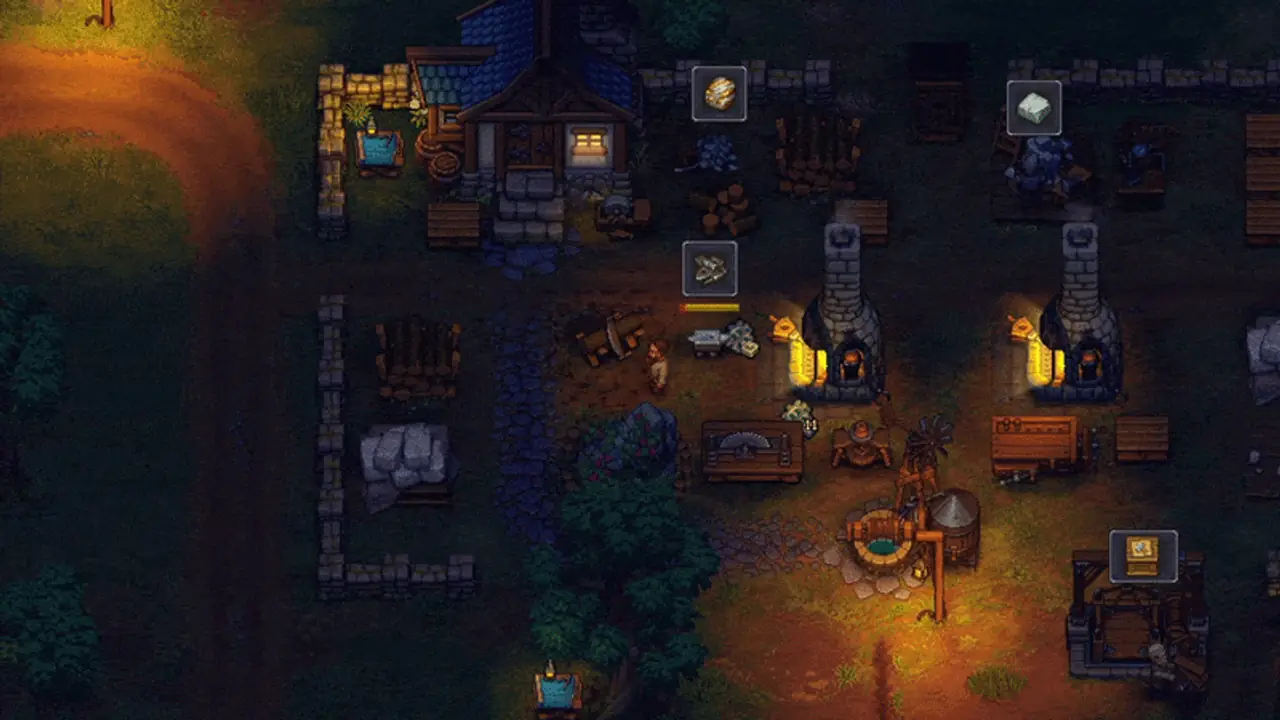

Choose before surgery
Add pockets and both skull totals
Confirm on the current preview
Do not chain speculative cuts
Corpse triage
Destination → baseline → preview → one operation → stop or handoff
A corpse is a one-body decision. Protect the chosen result before testing another part or another system.
- 1Choose the intended use
Select grave, worker zombie, study, or a named crafting requirement before opening the operation sequence.
- 2Capture the starting state
Record visible skull totals, six organ slots, pocket contents, and any error.
- 3Compare the preview to the goal
Use white-skull result for grave quality or red-skull potential as the reported worker signal; keep exact part effects in the live UI.
- 4Change one part only
Recheck the body and the preview before deciding on the next operation.
- 5Stop or hand off
Stop on an unexpected result or Surgeon’s Error; once a worker is prepared, test it on one named station.
When the answer does not fit
When the body preview or operation goes wrong
Keep the error local to this body. Recover only through a use that the current state still supports.
- 1Stop the operation sequence
Do not make a second change to “repair” an unexpected first result.
- 2Read the body summary
Check skull totals, remaining organs, pockets, and any Surgeon’s Error.
- 3Recheck the intended use
Use the grave, worker, study, or crafting requirement currently shown in-game.
- 4Choose a permitted fallback or wait
Proceed only if the visible state still matches that fallback; otherwise leave this body alone and apply the lesson to the next one.
Share this guide
Send the answer when another player hits the same blocker.
Share the current Graveyard Keeper 2 route, or copy the link for Discord and group chat.
Player questions
Corpse Handling FAQ
Should I operate on every corpse?
No. Choose the body’s purpose first. If there is no live grave, worker, study, or crafting requirement, preserve the body state until the next action is clear.
Which skulls matter for a grave or zombie?
The reported route associates white skulls with grave quality and red skulls with zombie potential. Use the current body preview; this page does not claim a universal organ formula.
What do I record before an autopsy?
Note the visible red and white skull totals, all six organ slots, pocket contents, and any existing Surgeon’s Error.
What should I do after Surgeon’s Error?
Stop the operation chain. Recheck the body and proceed only if the live game shows a permitted fallback; do not expect more speculative cuts to remove the error.