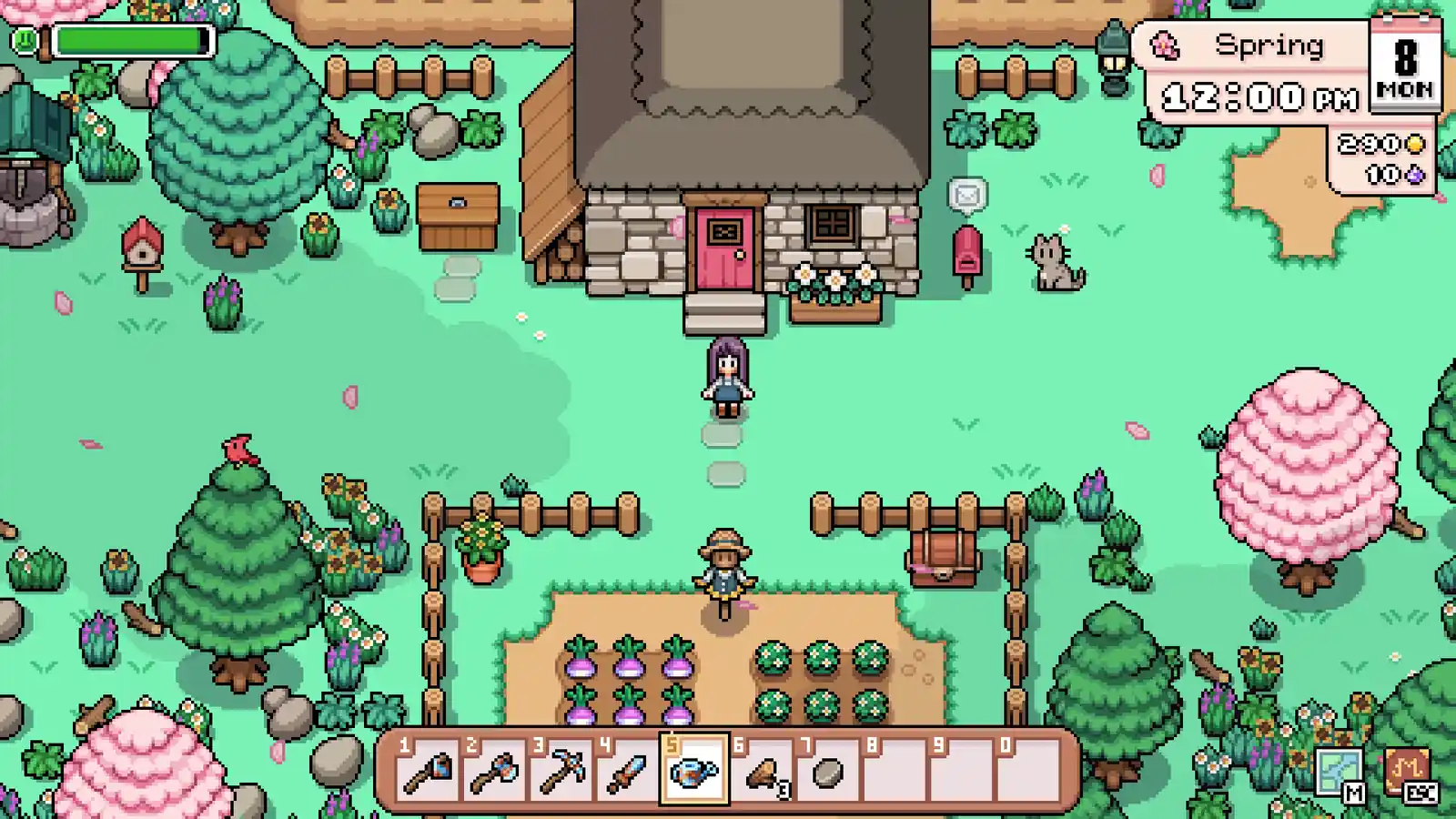
Fields of Mistria Museum & Seasonal Collection Route
Start from an open Museum slot, not a map sweep: match one fish, bug, or forageable to its listed season, location, weather, and time. If today misses a gate, carry the target forward; listed conditions do not guarantee a spawn.
A missing Museum set competes with today’s fish, bug, or forage route.
Start with
Check the open set in the save and choose one named target.
Then do
Match its listed season, location, weather, and time before leaving.
Leave with
One specimen to verify with Errol, or a clear defer/reserve decision—not a map sweep.
Collection dispatch · three distinct gates
Pick the open set, then match today’s route
These are cross-collection examples, not a complete Museum list. Check the live set in your save first; use only the public fields that match today, and carry a target forward when they do not.
Choose a listed area that shares a trip you already need; protect the copy until its Museum and recipe jobs are checked.
Check Confirm the Fall Forage slot and check the listed Mont Blanc and Roasted Chestnuts uses before cooking or selling.
Avoid Several listed areas do not guarantee a pickup at each one, and the snapshot gives no universal reserve quantity.
Before a donation, recheck the open slot and the specimen in-game. The 2026-10-02 reference snapshot records listed conditions and uses; it cannot confirm today’s weather, pickup, catch, or save progress.
Start from the save
Turn an open Museum slot into one named target
Begin at the set that is still incomplete in your own save, not at a season list or a location on the map. Write down the exact missing specimen and its collection type. Then open that Fish, Bug, or Forageable record and read the Museum field beside the route fields. This order matters: a record can show where an item belongs without proving that your slot is still open, and a complete example row is not a full donation order. If the live set is already complete, remove that target before planning the day; otherwise the guide can send you back for a duplicate while another collection gap remains.
The three examples below are meant to teach different checks, not to stand in for every seasonal item. Bluefish is useful for testing a season, water, and weather combination. Cicada Nymph adds a narrow clock window while its listed weather is Any. Chestnut is a forageable whose row connects a Fall route to more than one listed use. For a different missing item, repeat the same method with its own row rather than borrowing one of these examples’ conditions. Keep the exact record open until the trip is planned so the target, condition, and Museum set stay connected.
Choose the window
Let the narrowest condition decide when to travel
Separate a route into gates before spending stamina: season tells you when the entry is relevant, location tells you where to test it, and weather or time can further narrow the attempt. The Bluefish record lists Fall, Pond, and rainy conditions; a clear Fall afternoon is not a match just because the water and season fit. Cicada Nymph lists Fall, Overworld, and 8 PM–2 AM, with weather Any. Its spawn condition is Not listed, so the time-and-place match is a supported attempt window, not an instruction to search a particular tree or a promise that one will appear.
Use the save’s current season, sky, and clock immediately before leaving; a dated record cannot update those live conditions. If one gate fails, defer that specimen and spend the remaining route on farm care or another target whose own listed window fits. If two targets could share one trip, check both rows independently and combine them only when the locations and actual windows overlap. Do not stretch “nearby” into an all-map sweep, and do not count a compatible condition as evidence of encounter odds. A short, explainable attempt is more useful than spending the day trying to force an entry that the record does not support.
Protect the specimen
Check competing uses before donating or spending the first copy
Collection progress can compete with cooking, requests, and crafting. Chestnut’s record lists the Fall Forage Museum set and the uses Mont Blanc, Roasted Chestnuts, and Faux Chestnut. Before cooking or selling the first copy, check which of those jobs is active in your save and whether the live Museum slot still needs it. If the donation is the current priority, confirm that slot and specimen in-game; if another confirmed task needs the item first, carry the Museum target forward rather than guessing a reserve quantity. The page does not establish how many copies your save needs or how many will appear at a listed location.
Apply the same check to any other item that has a second use: read its own Uses or Other use field, compare it with the current request or recipe, and make one reversible choice. A “Museum set: Yes” label identifies a relationship in the snapshot; it does not decide what to do with an item already assigned to another live task. After a successful donation, update your target list from the save before starting another route. That small inventory-and-slot check prevents duplicate travel and avoids treating a visible sell value as proof that the remaining copy is surplus.
Museum route sequence
Turn one open slot into a bounded collection trip
A useful collection day starts with the live gap and ends with a verified handoff. Each step removes one source of wasted travel without turning listed conditions into a catch guarantee.
1
Confirm the slot and name one specimen
Check the Museum in your save, choose one incomplete set, and copy the exact Fish, Bug, or Forageable name. Read that record’s Museum and use fields together; if the slot is complete or a second task needs the item first, change the target before planning travel.
2
Match every listed route gate
Compare the live season, location, weather, and time with the same item row. For example, Bluefish is Fall Pond in listed rainy conditions; Cicada Nymph is Fall Overworld from 8 PM–2 AM with weather Any. A matching row supports an attempt, not a promised spawn.
3
Protect the farm loop and set a return point
Handle due farm work, then attach the compatible collection attempt to a route you already need. Pick a stamina or time margin before leaving; stop when it is reached, record whether the gate or the encounter was the issue, and verify any donation in the live Museum before choosing the next target.
Decision checks
Go, defer, or reserve the specimen
Use the row that matches the current constraint, then keep the next test small enough to explain.
Situation
Action
Why
The live set is already complete
Remove that item from today’s route.
Check its listed recipe or other use before treating a duplicate as spare; a completed slot does not justify another collection trip.
Season, weather, location, or clock does not match
Defer the target to its next compatible window.
A failed gate is a route mismatch. Use the remaining day for farm care or another independently verified target instead of searching anyway.
All listed gates fit, but no specimen appears
Stop at the return margin you set before leaving.
The snapshot gives conditions, not spawn probability. One empty attempt neither disproves the record nor supports an all-map sweep.
The first copy also has a listed recipe or request use
Check the active job and keep the choice reversible.
Use the item’s own Uses field and the live objective; the guide cannot infer a universal reserve count for every save.
Collection recovery
Keep the target; change the next route, not the facts
A failed collection attempt does not prove the record is wrong. Recheck the live gate, keep the farm baseline, and spend another trip only when it answers a different, confirmed condition.
The season, weather, or clock misses the row
Do not start the trip. Keep the same open set on the list and recheck the exact condition next time; use today’s remaining route for farm care or a different target whose listed window fits.
The listed window fits, but no specimen appears
Stop at the return margin you chose before leaving. The snapshot gives location and conditions, not encounter odds, so one empty attempt does not prove the target is unavailable or justify an all-map sweep.
The live Museum slot is already complete
Do not repeat the route for that set. Check the item’s listed Uses or Other use and the active request before cooking, selling, donating, or spending the copy; if no job is confirmed, keep the choice reversible.
Natural next step
From the missing set to the exact specimen record
Use the Fish, Bugs, or Forageables row to verify the listed route; after confirming the open set and specimen in your save, use Characters to plan the Museum stop with Errol.
Share this guide
Send the answer when another player hits the same blocker.
Share the current Fields of Mistria route, or copy the link for Discord and group chat.
Continue with this game
More Fields of Mistria pages
Player questions
Museum & Seasonal Collection FAQ
What should I do with the first museum item I find?
Reserve the first confirmed copy until the current museum, request, cooking, or restoration need is clear; sell only after that check.
How do I plan a bug or fish day?
Match location and season first, then check weather, time, rarity, and size before choosing whether the route is worth today’s travel.
Should I force a seasonal collection before the day ends?
No. Protect the farm loop and carry the target into the next compatible weather, time, and stamina window.