Select one or more of the 17 supported evolved Forms, enter the Sprites, Gold, and quest materials you own, then set a priority target. The Planner merges shared costs, marks recipe-ready targets, separates Unit Quest blockers, and recommends the next safe material route without inventing drop rates or run counts.
Use this page whenYou have chosen an evolved Form and need to know what actually blocks it.
The planner supports 17 complete recipes and separates inventory gaps from Unit Quest access.
Start withSelect one target—or several only when shared costs matter.
Set the Form that should receive flexible materials first if the roster plan has competing priorities.
Then doEnter owned counts and mark the Unit Quests you can access.
Missing material amounts are useful only after the correct recipe and quest state are selected.
Leave withA reachable next route, a hard quest blocker, or a ready target.
Use the live reward panel for route changes; the planner does not invent drops or run counts.
Choose the next Evolution action from the real blocker
Inventory, target priority, and quest access change the answer; a larger number is not automatically the next farm.
One target · quest available
Close the exact recipe gap
Do this nowSelect the evolved Form, enter owned counts, and follow the remaining material family shown for that target.
Check before moving onConfirm the Unit Quest is available and the live Item source still matches the planned route.
Do not assumeA zero entered in inventory means the account owns none; it means the player supplied zero for this plan.
Several targets · shared Sprites or Gold
Set one priority before spending
Do this nowSelect the competing Forms, then set which target should receive flexible shared materials first.
Check before moving onRead the combined total after owned quantities are subtracted and inspect the target-specific gaps.
Do not assumeA shared Sprite or Gold amount can finish every selected recipe at once.
Required Unit Quest is locked
Resolve access before farming
Do this nowMark the quest unavailable and switch to a reachable target or progression gate.
Check before moving onReturn after unlocking the quest and recompute the target before spending flexible stock.
Do not assumeA material route exists when its source is unknown or behind an inaccessible quest.
Inventory-aware route planner
Choose the forms you are building
Select one or more evolved Forms. The planner combines exact recipe requirements, subtracts inventory, separates Unit Quest blockers from shared Sprites and Gold, and recommends the next safe route.
Supported targets
17 complete recipes
Relationship rows
90 requirements
Build
[Summer Siege🎣]
1 · Targets
Select evolved Forms
Select at least one target
Use a Unit deep link or choose a Form above. Multiple targets reveal shared Sprite and Gold pressure.
2 · Inventory
Enter what you own
3 · Availability
Mark available Unit Quests
4 · Route
Combined gaps and next run
How to use the output
Follow the blocker, not the biggest number
The planner is useful because it joins Unit Forms, Item visuals, inventory, and Unit Quest access. Read the result in this order so a missing quest or flexible Sprite does not send you to the wrong farm.
1
Make the target explicit
Select one Form for a focused route, or several Forms when you genuinely want the shared Sprite and Gold pressure.
2
Enter owned inventory
Known owned counts reduce the plan to a real gap. Leaving a field at zero means “not entered,” not “the game has none.”
3
Clear a Unit Quest blocker first
Quest access can be a hard gate; confirm it before spending flexible materials on a recipe that cannot finish yet.
4
Run the next material family
Use the recommended route and current reward panel, then return to the same target instead of rebuilding the whole plan.
No-JavaScript recipe index
All supported evolution recipes
Every recipe remains readable and linkable without the planner. Use the current reward panel for Sprite route changes.
1 Joker of the Nonsensical PiratesString Demon Unit Quest
20 Sprite (Yellow)Current Sprite reward or crafting route
20 Sprite (Pink)Current Sprite reward or crafting route
1 Sprite (Rainbow)Current Sprite reward or crafting route
5,000 GoldStory, Challenge, quest, or account reward
Share this guide
Send the answer when another player hits the same blocker.
Share the current Anime Expeditions route, or copy the link for Discord and group chat.
Continue with this game
More Anime Expeditions pages
Player questions
Evolution Planner FAQ
Where do Evolution Sprites come from?
Sprites can come from Story, Challenges, weekly Challenges, Mastery, Expeditions, and Raids. Check the current reward panel because the best repeat stage can change.
Where do I find a special evolution item?
Open the unit in the Evolve menu, select the missing item, and use its current Source panel. Special-item availability can rotate, so this is safer than following an old fixed map claim.
Can I plan more than one Evolution?
Yes. Select several evolved Forms and the Planner combines shared Sprite and Gold requirements, subtracts the inventory entered on this device, and keeps one target as the current priority.
Should I roll traits before evolving?
Usually wait until the unit has earned a long-term slot. Evolution changes the kit and can change whether Unbound, Draconic, Forsaken, Primordial, or another trait is the best investment.
Can I preview an evolution before spending?
Yes. The Evolve menu shows requirements and the evolved passive. Compare that benefit with the material cost before pressing Evolve Unit.


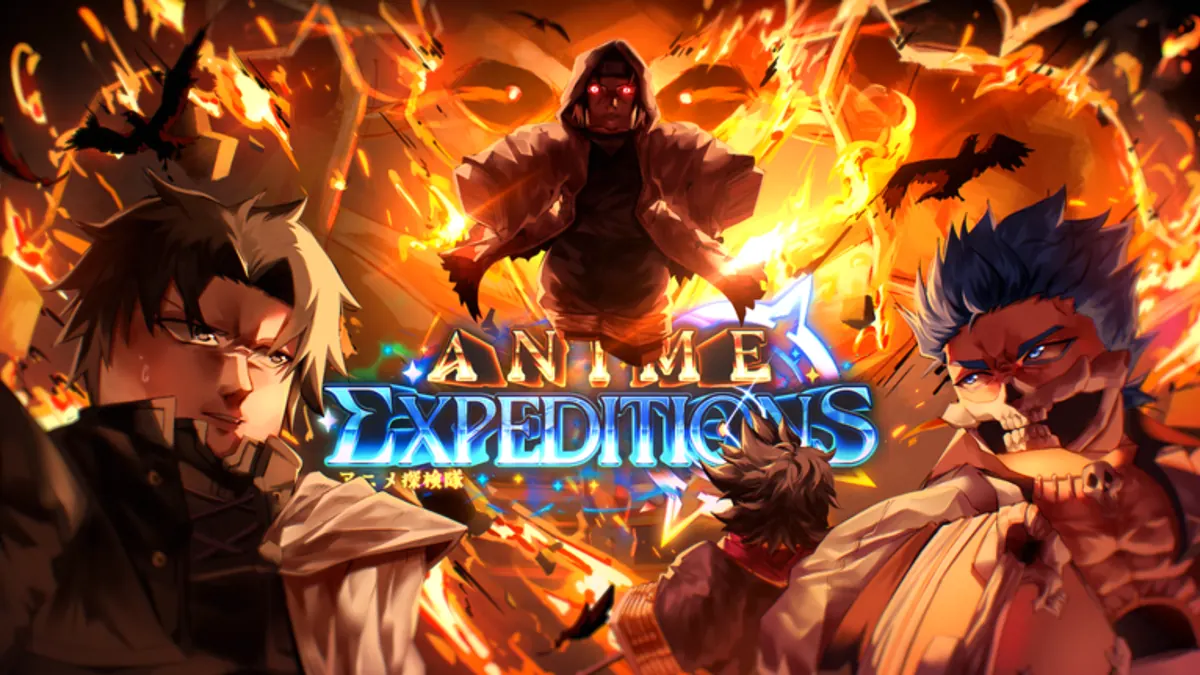

 1 Crow's Ring
 20 Sprite (Red)
 20 Sprite (Yellow)
 20 Sprite (Purple)
 3 Sprite (Rainbow)
 10,000 Gold

 1 Magical Amulet

 1 Cursed Book
 20 Sprite (Blue)

 1 Jaw Skull
 20 Sprite (Green)

 1 8th's Sword

 20 Sprite (Pink)

 1 Holy Pendant

 1 Student ID
 1 Cosmic Magic

 1 Burning Fruit

 1 Elixir of Life

 1 Giant Hammer

 1 Puppet Heart

 1 Salmon

 1 Hollowed Visor

 1 Joker of the Nonsensical Pirates