

I want an easy first character
Start with a clear midrange or close-range plan, then confirm the live move list in Training before committing to ranked play.
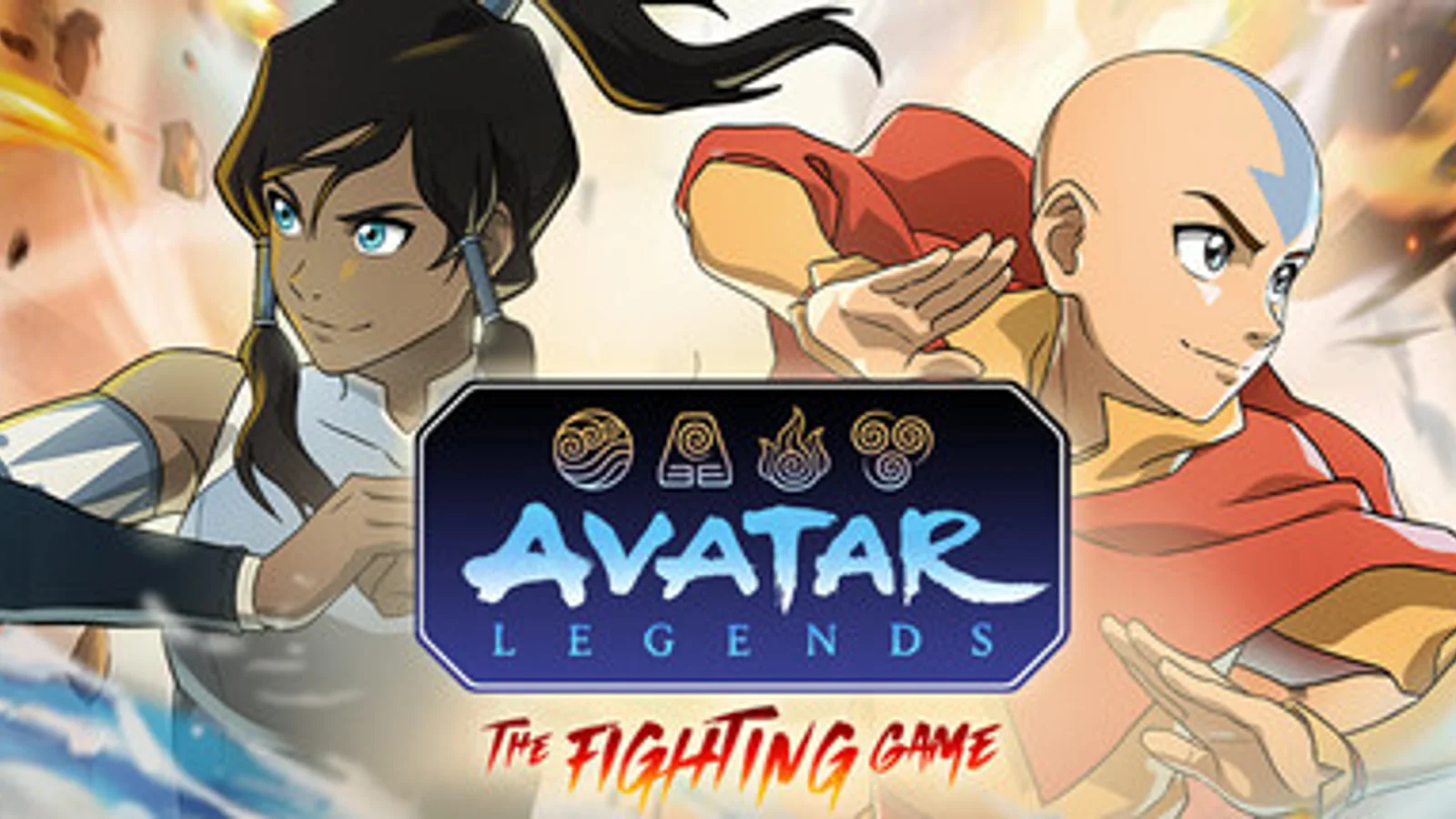
Choose the Fighter by the range and movement plan you want to learn, verify one safe confirm and one defensive answer in Training, then add Appa, Gyatso, or Momo only when the Support solves a named approach, control, or reset problem.
Quick actions
Each route leads to a current table, a repeatable first-session step, or a recovery flow.
Current blockers
Start from the problem you can name, then take the smallest safe next action.
Start with a clear midrange or close-range plan, then confirm the live move list in Training before committing to ranked play.
Choose a Support that answers the matchup problem you actually feel: approach, space control, or reset.
Crossplay and rollback netcode are available. Test connection and lobby behavior in a short set first.
First session route
The roster labels below are selection prompts. The live move list and current balance decide the final answer.
Decide whether you want close pressure, midrange control, or a longer zoning test.
Find a repeatable hit into a simple ender before chasing optimized routes.
Use the assist to solve approach, control, mobility, or recovery—not as random extra damage.
Test defense, crossplay, and rollback behavior before a long online run.
Game systems
A Fighter supplies the main game plan. A Support should cover the point where that plan breaks.
| System | Player job | First move |
|---|---|---|
| Fighter | Own neutral, pressure, defense, and the main combo route. | Pick by range and movement preference. |
| Support | Add one approach, space-control, interruption, or reset tool. | Pick after the fighter problem is visible. |
| Training | Verify move properties and difficulty in the current build. | Test one confirm and one defensive answer. |
| Online | Validate lobby, crossplay, and rollback conditions for the group. | Run a short connection set. |
Risk board
When a row says “Check in game,” confirm it before spending rare resources or changing an important save.
Guide directory
Choose the route, comparison, or tracker that matches what you need to do next.
Player questions
Answers reflect the current status and check date shown on this hub.
The current launch roster contains 12 Fighters, including Avatar Aang and Nightmare Korra as distinct roster entries.
Appa, Gyatso, and Momo are the three current Support choices.
Yes. The current release includes crossplay and rollback netcode for online play.
No. Its range and learning labels are provisional selection aids that should be verified against the current move list in Training.